Your old Android phone can run a real Linux desktop with Termux
Latest in the story ·
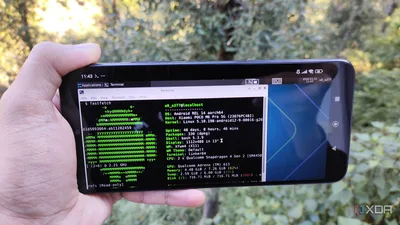
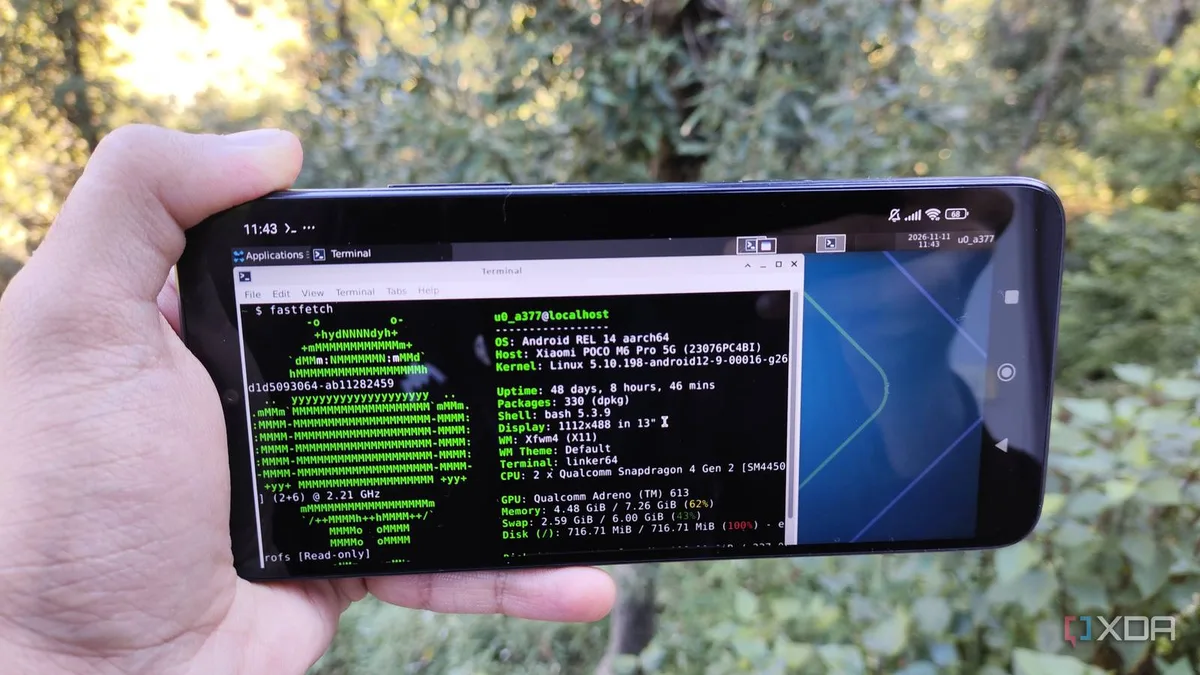
The author ran a graphical Linux desktop on an old budget phone, a Poco M6 Pro 5G, using Termux[1] and the Termux-Desktops scripts from the LinuxDroidMaster repo. By default Termux runs only command-line tools, so these scripts add full desktop environments that display through the Termux X11 add-on. The first method, Termux Native, installs packages directly on the phone without virtualization, and the Xfce desktop ran smoothly with working touchscreen gestures, though a separate keyboard was needed for the terminal. Firefox, GIMP and TigerVNC installed without problems from the tur-repo[2] package repository.
Termux Native did not support every app: the author could not find Joplin, Obsidian, VS Code or Planify in tur-repo. The Mobox emulator also works with this method, but it is meant for classic Windows programs and would add too much overhead on this phone. The PRoot[3] method runs a Debian environment inside an isolated container, which removed the app limits and allowed many more programs to be installed, but the interface felt a little sluggish on the old phone. A Chroot[4] variant exists, but it requires a rooted device, so the author did not test it.
The author plans to keep Termux Native with Xfce, since this combination gives the best performance on the phone. Chroot desktops are something they want to try later on another device.