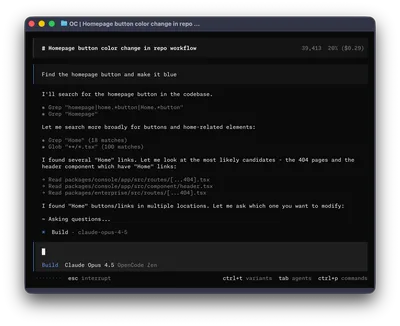
OpenCode: an open source AI coding agent with install options and a desktop beta
Latest in the story ·
OpenCode is an open source AI coding agent, according to its README on GitHub at anomalyco/opencode. It can be installed with a curl script, or with the npm, bun, pnpm, yarn, Homebrew, pacman, mise or Nix package managers, and the install script places it in $HOME/.opencode/bin. Before installing, users are advised to remove versions older than 0.1.x.
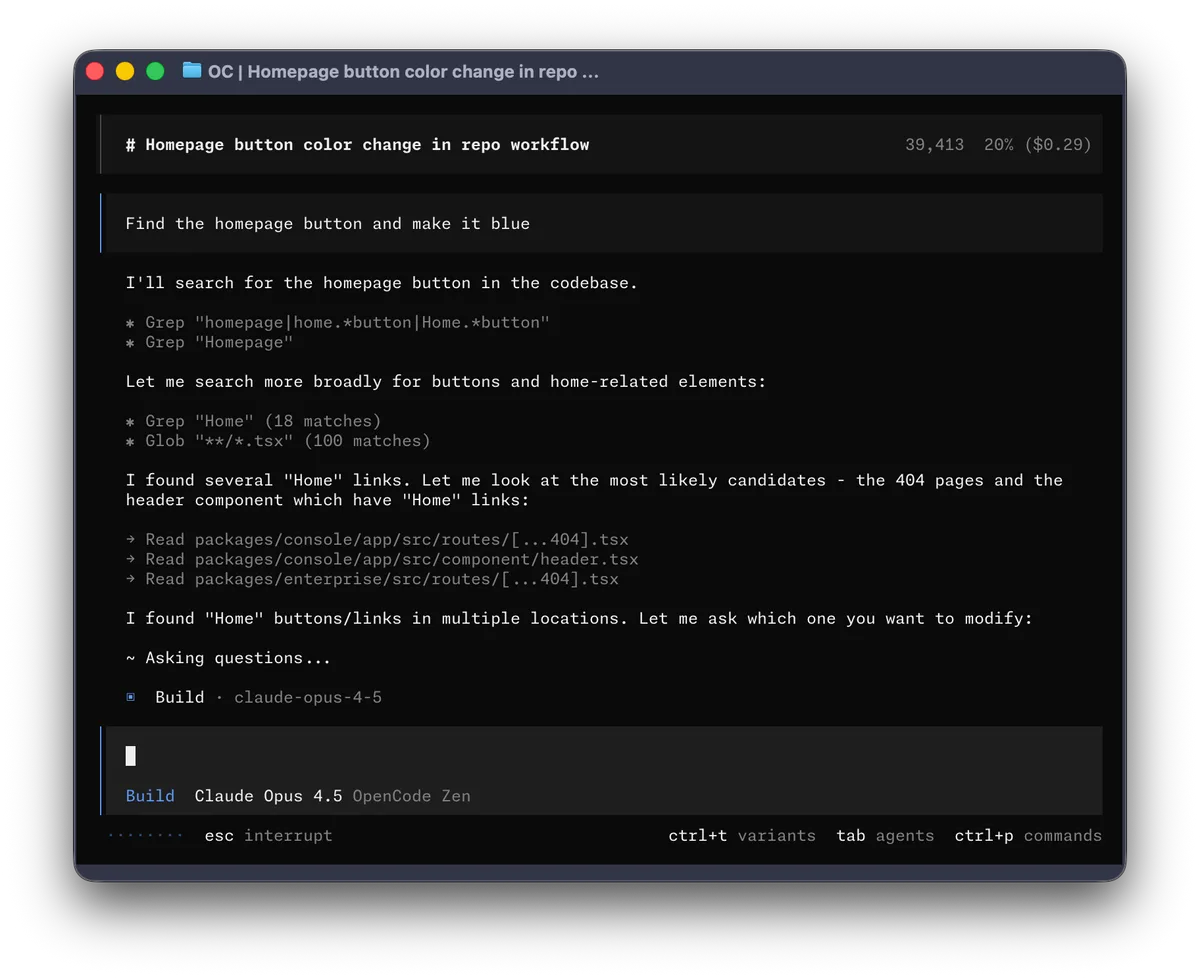
A desktop app is available in beta for macOS (Apple Silicon and Intel), Windows and Linux, and can be downloaded from opencode.ai/download. OpenCode includes two built-in agents that can be switched with the Tab key: build, the default full-access agent for development work, and plan, a read-only agent for analysis and code exploration. The plan agent denies file edits by default and asks permission before running bash commands. It also includes a general subagent[1] for complex searches and multistep tasks, which is used internally and can be called with @general.
Documentation is available at opencode.ai/docs. Contributors are asked to read the contributing docs before submitting a pull request[2]. Projects that use "opencode" in their name should note in their README that they are not built by the OpenCode team and are not affiliated with it.