GGUF quantization explained: what Q4_K_M, Q5 and Q8 mean and which file to pick
Latest in the story ·
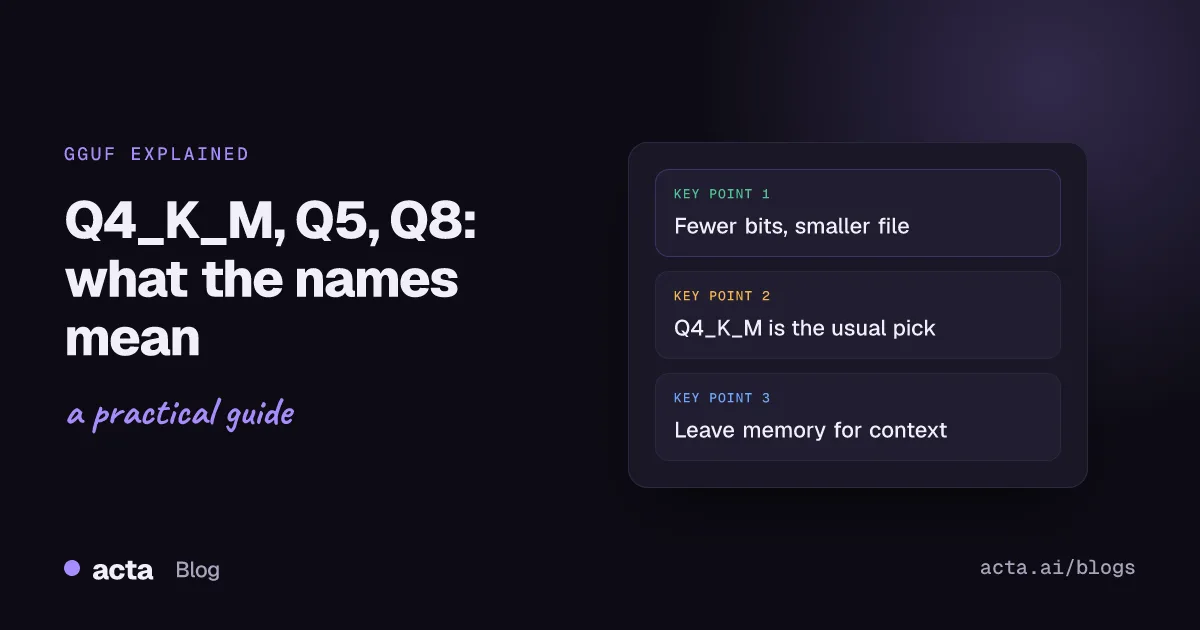
GGUF[1] is a single-file format for running open models with llama.cpp[2] and the apps built on it. Quantization[3] shrinks a model by storing each weight in fewer bits: Q8_0 uses about 8 bits per weight, Q5_K_M about 5, and Q4_K_M about 4 to 5. Fewer bits give a smaller, faster file with some loss of quality.
File size is roughly the number of parameters times bits per weight, divided by 8. An 8B model at 16 bits is around 16 GB, and at about 4.5 bits it is closer to 4.5 GB before overhead. The Hugging Face table lists the base k-quant types, as of November 2026, at Q2_K 2.625, Q3_K 3.4375, Q4_K 4.5, Q5_K 5.5 and Q6_K 6.5625 bits per weight. Q4_K_M is the sensible first pick for most laptops, and a larger model at Q4 usually beats a smaller model at Q8 when the files are about the same size.
Check your memory first: RAM on a Mac with Apple Silicon, or VRAM on a PC with a graphics card. Leave clear room, because the conversation's context also needs memory. An importance matrix (imatrix)[4] helps most at very low bit counts and gives a small gain at Q4 and above. Very low-bit files of ordinary models are compressed after training, while 1.58-bit models such as BitNet b1.58 are trained that way from scratch.
 archive