Ollama, LM Studio, llama.cpp or vLLM: which local LLM runner to choose
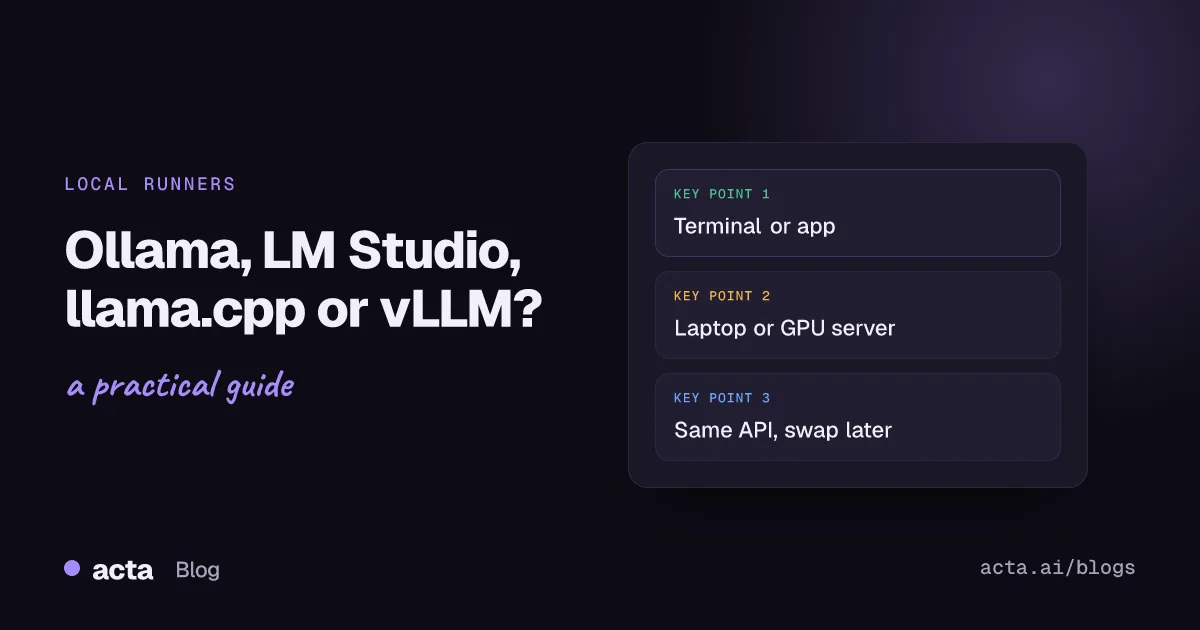
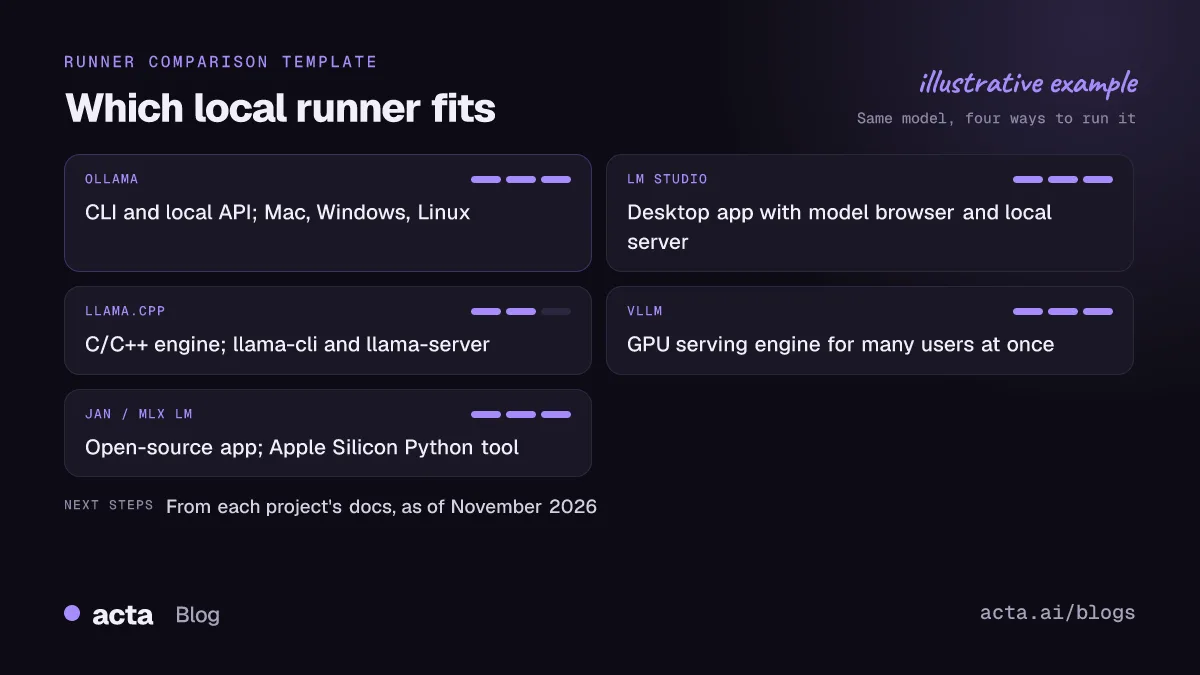
Ollama, LM Studio, llama.cpp and vLLM are tools for running language models on your own machine, and they suit very different users. Ollama is a command-line tool with a local API for Mac, Windows and Linux. LM Studio is a desktop app with a model browser and chat window, and it runs on Apple Silicon Macs and on Windows. llama.cpp is the low-level engine for users who want full control, and vLLM is a GPU server for serving many users at once rather than a laptop tool.
llama.cpp works with models in the GGUF[1] format and supports Apple Silicon, NVIDIA GPUs, Vulkan and SYCL backends under the MIT license. vLLM uses PagedAttention[2], a way of managing the memory a model uses while it generates, so the server can handle many conversations at once. Ollama's OpenAI-compatible API is described by its team as experimental.
Jan is an open-source desktop app built on llama.cpp, and MLX LM is a Python package for running models on Apple Silicon with quantization[3] and LoRA[4] fine-tuning. Ollama, LM Studio, llama-server and vLLM all document OpenAI-style endpoints, so one script can switch between them by changing a base URL. Speed depends on hardware, model, quantization and settings, so check which file format a runner expects before downloading a model.
Repository Ollama github.com
Command-line tool with a local API for running and building with open AI models on macOS, Windows and Linux.
Product LM Studio lmstudio.ai
Desktop app for Mac, Linux and Windows to discover, download and run local LLMs with a model browser and chat window.
Read the original acta.aiDiscussion
Sources
-
acta.ai
Ollama vs LM Studio vs llama.cpp vs vLLM: Which Local Runner Fits?

 archive