Editing an existing Excel ledger with Office Scripts and a Copilot Studio agent

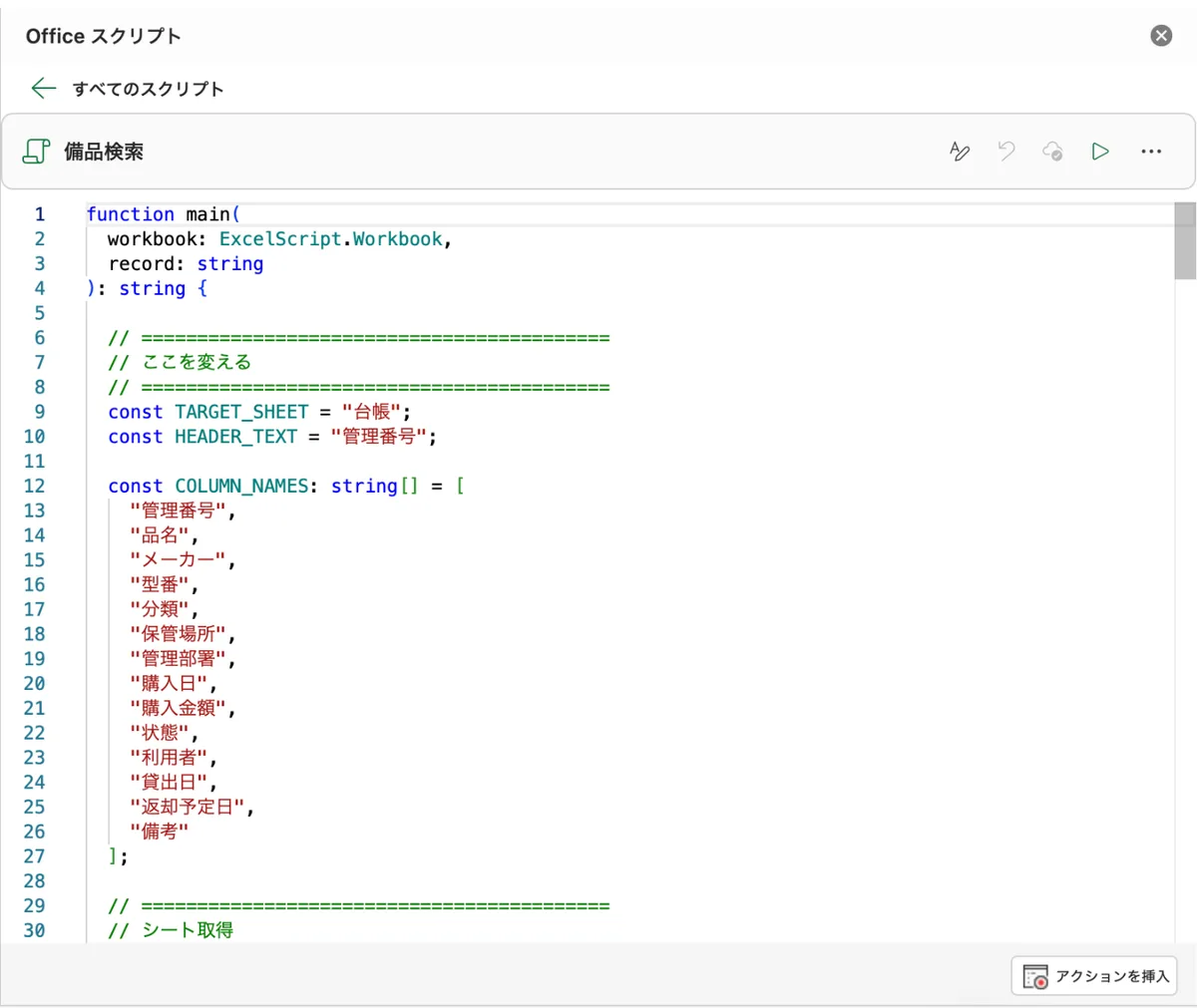
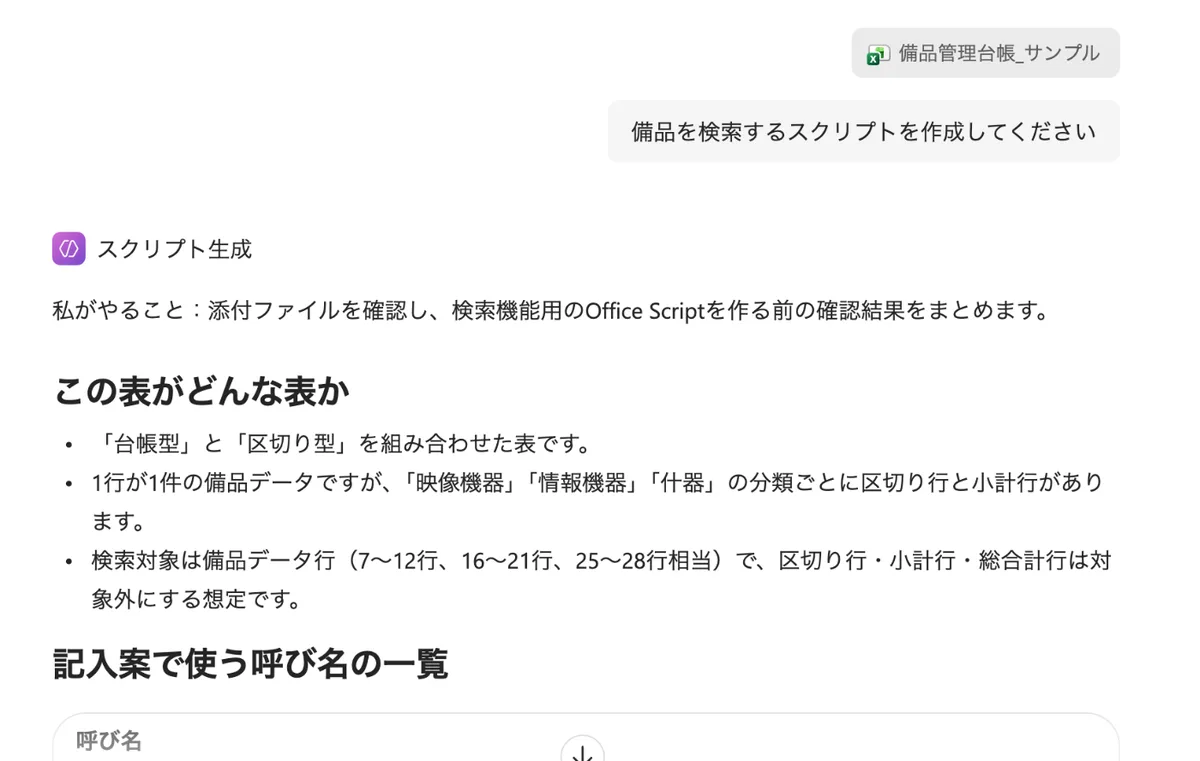
The author tests whether a Copilot Studio agent can search and update an existing Excel file without changing its layout. The standard Excel actions in Copilot Studio (the Excel Online (Business) connector) expect an Excel table with one header row, but the test equipment ledger has two header rows, category separator rows, and subtotal rows. Instead, the author adds the "run script" action of the Excel Online (Business) connector as a tool, which calls an Office Scripts[1] script. The script finds columns by their header text instead of fixed cell addresses and skips separator and subtotal rows.
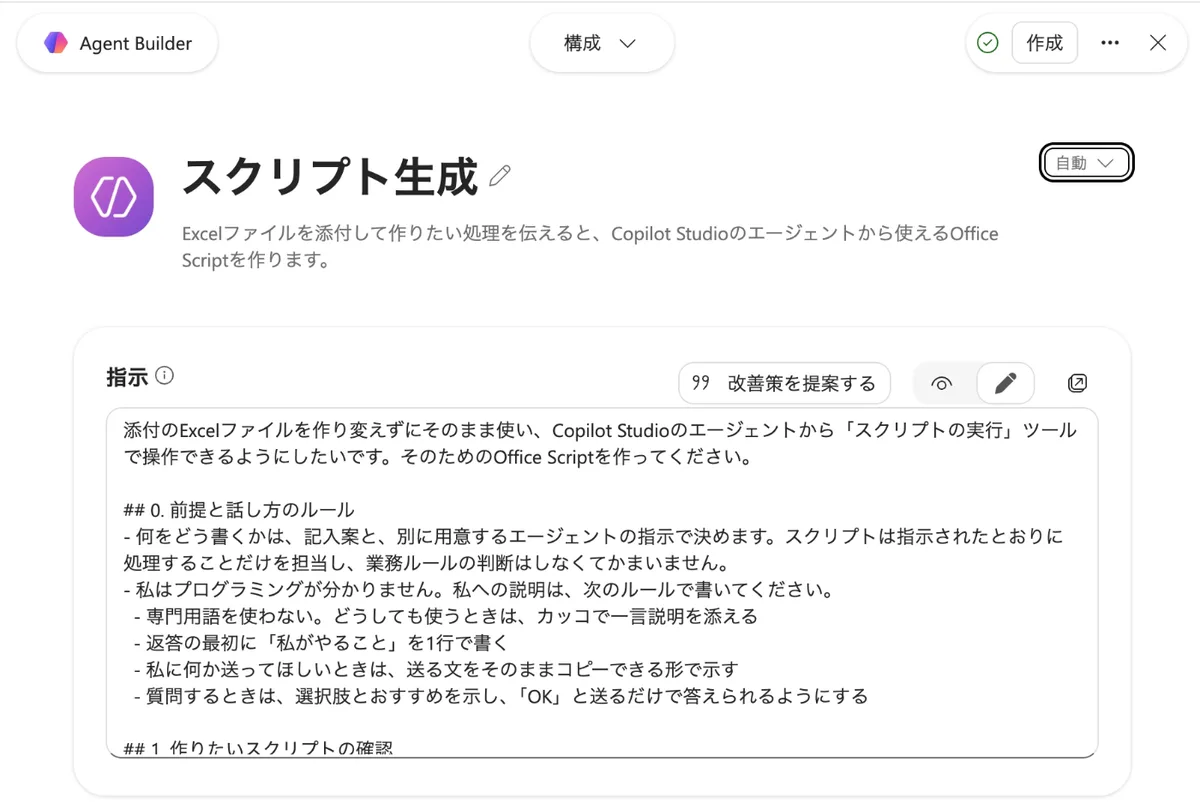
The author did not write the script. An agent built in Agent Builder[2] in Microsoft 365 Copilot generated it from a prompt pasted into the agent's instructions. The prompt has the agent check the table layout first, show the result, write the script only after approval, and fix it if errors appear. The test ledger has 16 items in three categories.
In the tests, searching and updating worked without changing the file layout. The author notes that generated scripts do not always work as expected, so it is important to build them one function at a time and run each one. The article covers November 2026 and says the Copilot Studio screens may change. Costs and Power Automate are not covered.
Sources
-
JPZenn JA
既存のExcelを自動で編集したい──AIに書かせたOffice ScriptsとCopilot Studioで試してみた




 archive