YunX-Desktop: official Windows client for downloading from cloud drives and video sites
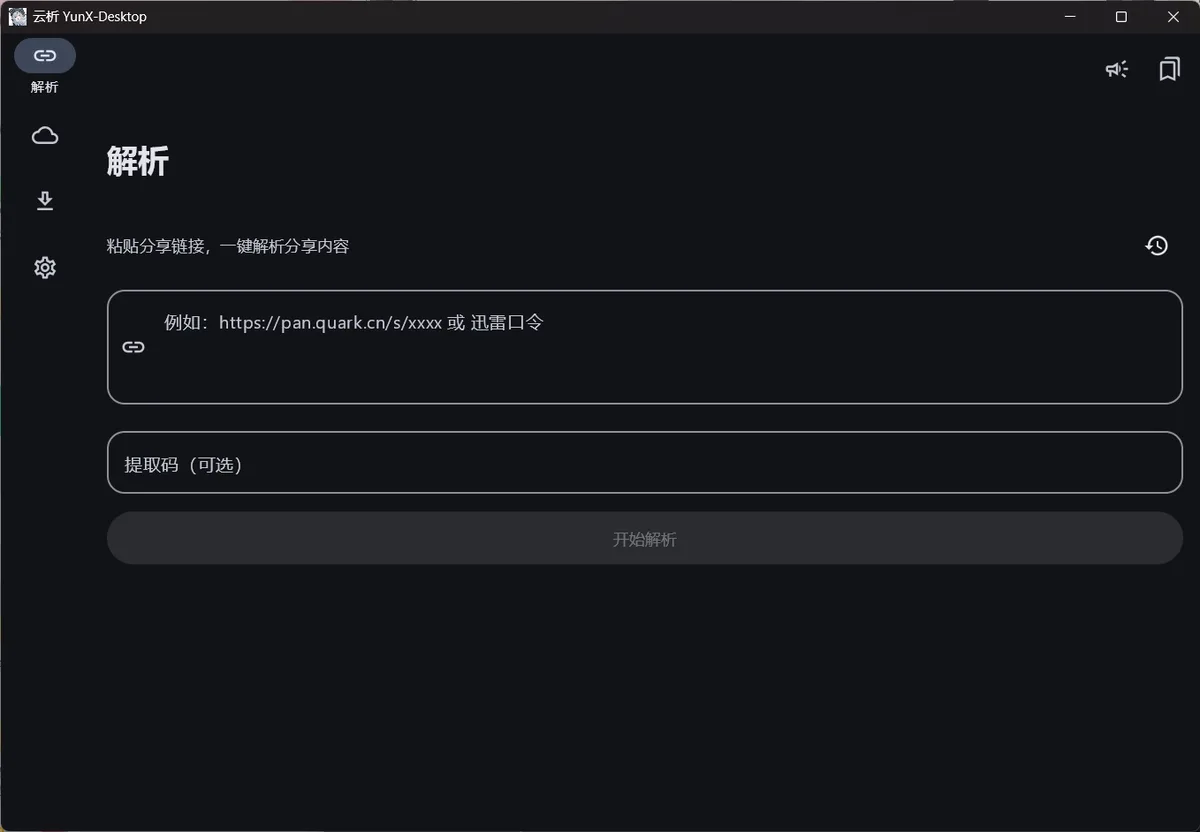

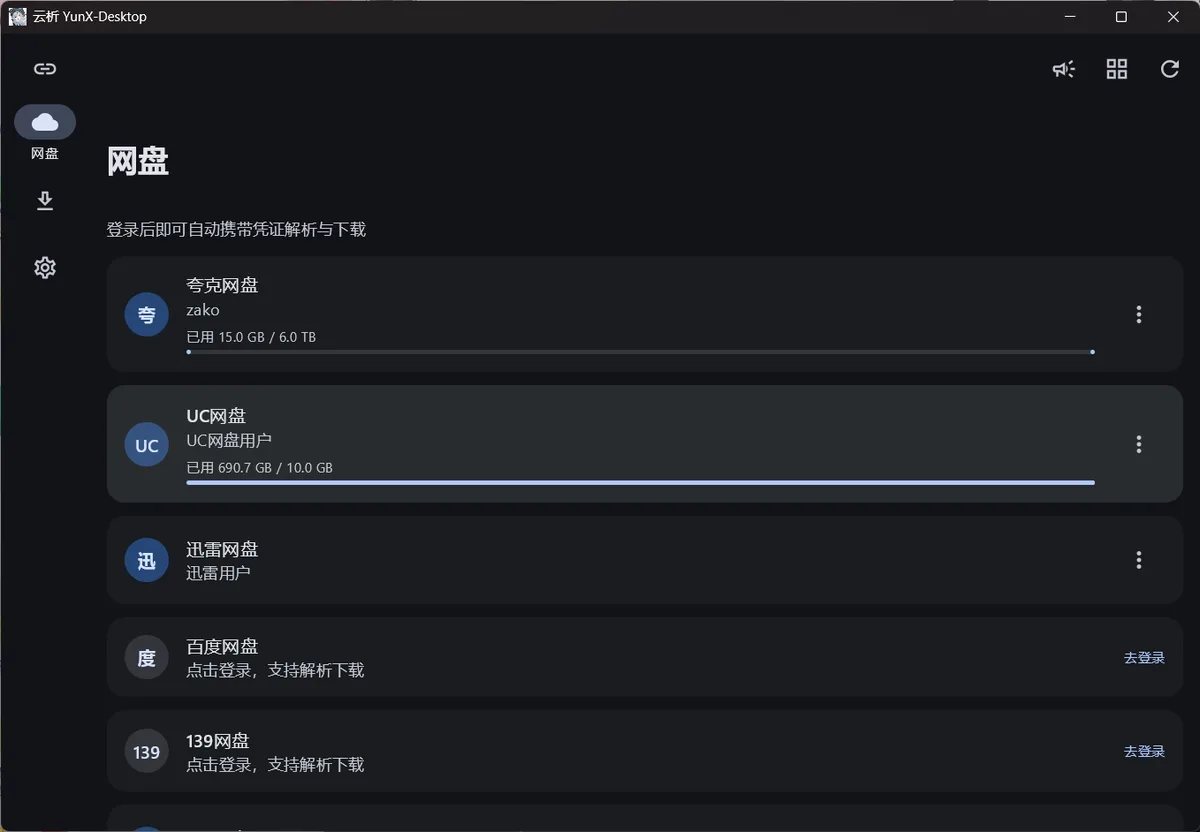

The repository contains the official Windows version of YunX, an app for downloading files from cloud drives and video sites. Users paste a share link or video link, browse or preview the content, and download it at high speed on the computer. Supported cloud drives include Quark, UC, Xunlei, Baidu, 139, 123, 115, Guangya Cloud and Lanzou, and supported video platforms include Bilibili, Xiaohongshu, Douyin, Weibo, Kuaishou, AcFun and Pixiv. The app also handles P2P[1] downloads of magnet links, BT[2] torrents and ed2k[3] links.
Downloads run in several parallel streams that request parts of the file, and they resume after an interruption. Bilibili high-definition video tracks are merged automatically. Users can add several accounts per platform, and login data is stored on the device in encrypted form. An encrypted backup of the accounts can be exported and imported to move them to another computer. The app is offered as a folder that runs without installation and as an installer.
The project is licensed under AGPL-3.0[4]. It is the Windows version of the Android app YunX (CYQawa/YunX). According to the README, the author of the desktop version joined the Android repository as a collaborator on 2 October. The README also says Baidu Netdisk is not recommended because it may lead to account risk control, and it describes a Chrome and Edge extension that passes browser downloads to the app.
Sources
-
GitHub Trending
tidain/YunX-Desktop