v2term: a terminal client for V2EX that its author says looks like an AI coding chat

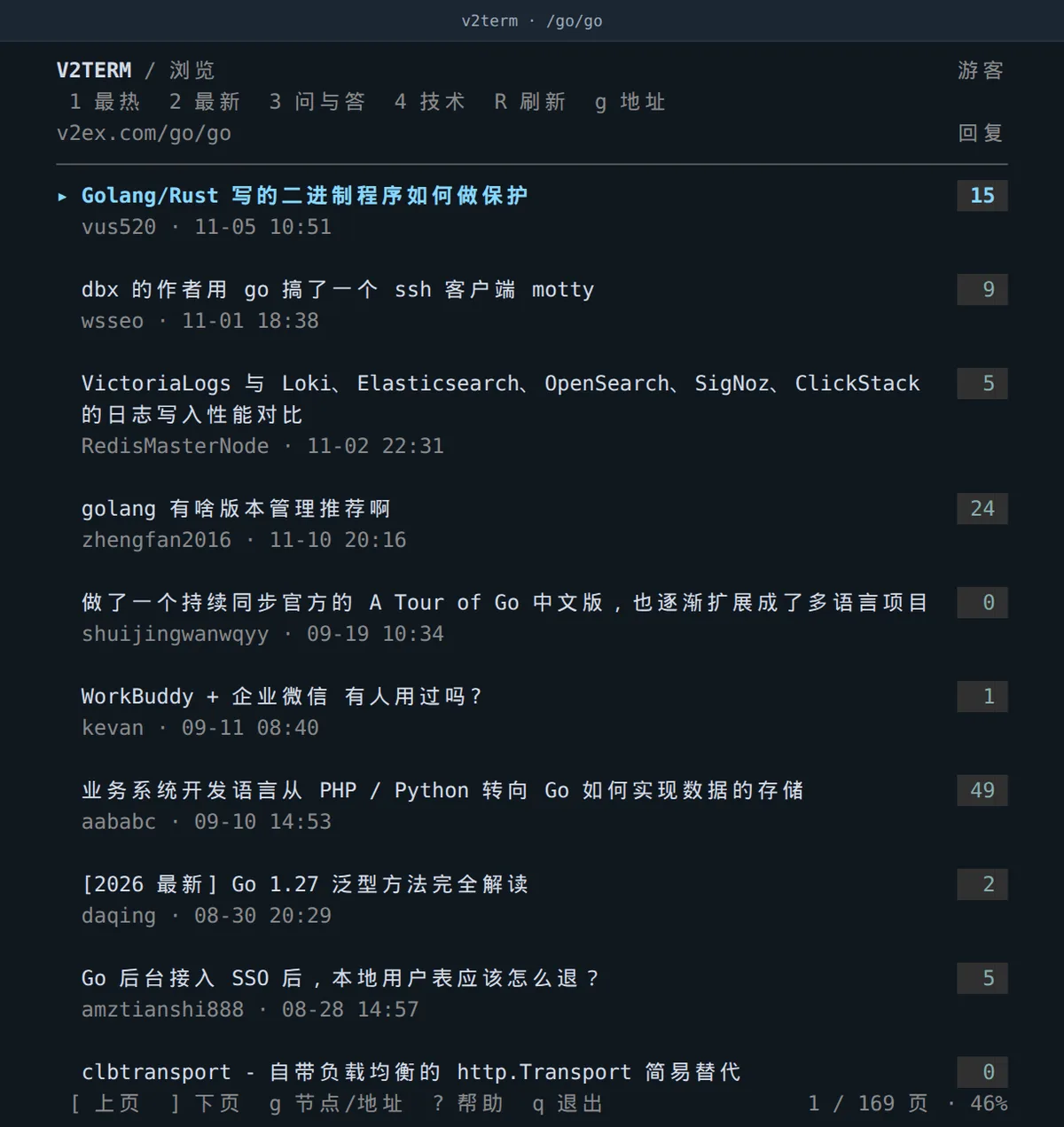
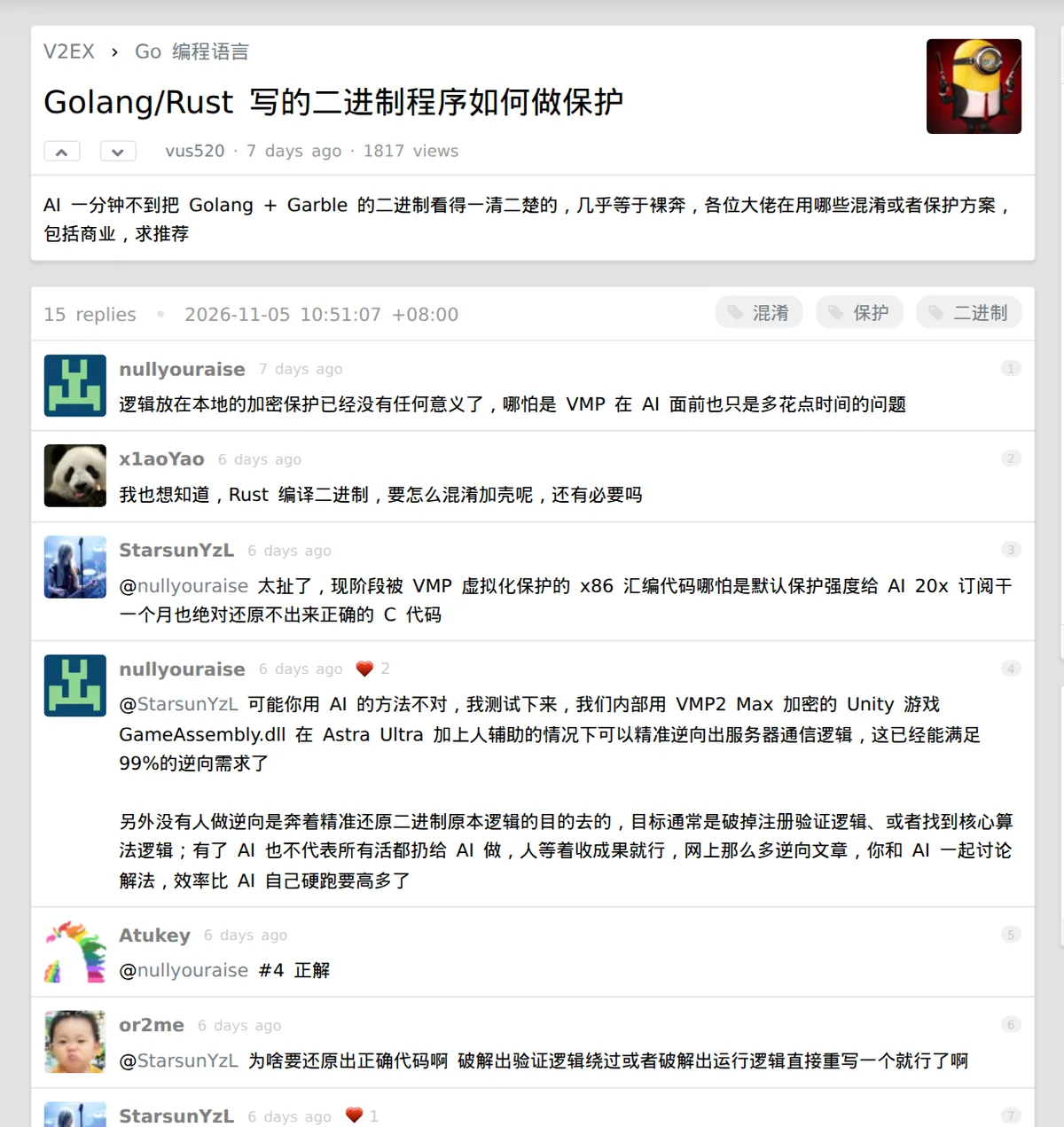
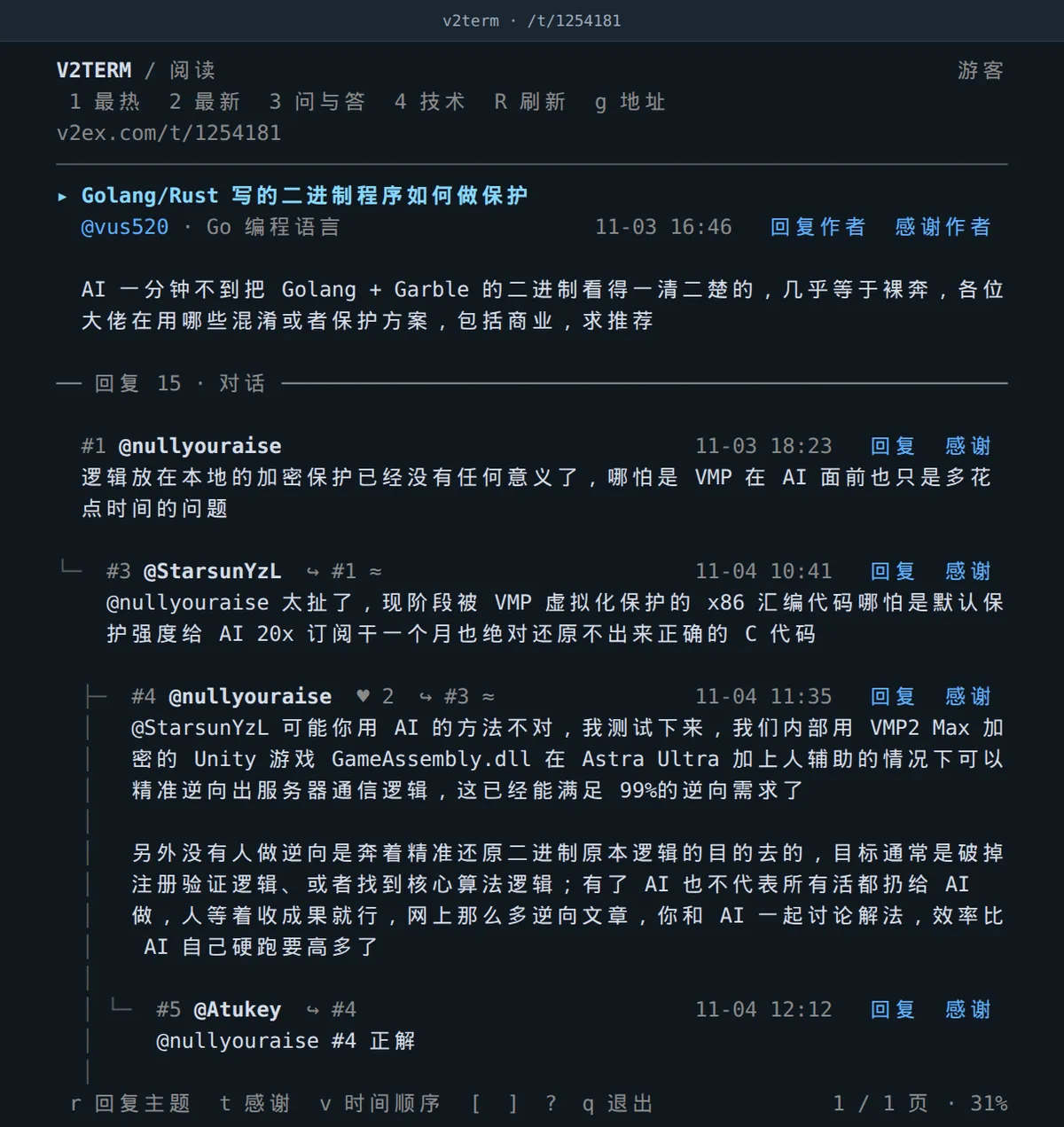
v2term is a V2EX client that runs in a terminal[1], written by its author and released under the MIT open-source licence. The author says that from a distance it looks like a chat with Codex or Claude Code, but up close it may not pass as one. It supports mouse clicks and scrolling, collapses images by default and can expand them, and links related replies into conversations and pins hot comments to the top. Public topics can be read without logging in, while replying or thanking requires importing the browser's V2EX Cookie[2]. Users with Homebrew can install it with brew install synrise25/tap/v2term, and other installation methods and the source code are in the GitHub repository. Images show inline in terminals that support the Kitty or iTerm2 image protocol[3]; other terminals show a colour-character preview.
Discussion
Commenters mostly question whether the tool is needed at all, with one saying that opening the web page openly is fine and another warning that being caught would be a problem. Some point to other projects they consider better hidden, and one asks how images are displayed and gets the answer that they expand inline.
Links from the post and discussion
Sources
-
CNV2EX ZH
如果用命令行访问 V 站来摸鱼,隐蔽性会高一些吗?