trycua/cua: open-source tools for AI agents that operate computers
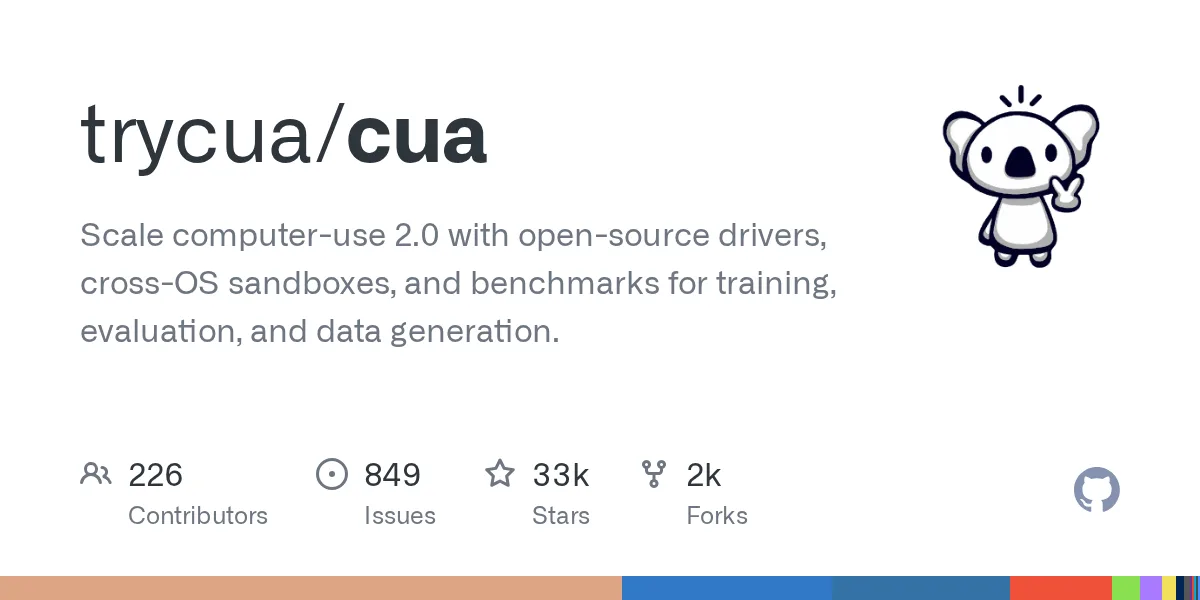
The trycua/cua repository describes a way to scale computer-use 2.0, in which an agent moves between code, APIs and graphical interfaces within the same task. It holds Cua Driver for desktop automation, Lume for local VMs[1], CUA-S1 decision models and Cua Bench for evaluating computer-use agents. Cua provides the computer and automation tools, and you can bring your own agent and model.
Cua Spaces is a desktop app that gives agents full desktops, and each desktop is called a Space. A Space can be a macOS VM[1] built locally on your Mac, or a Linux or Omarchy image, and it can run on your own computers or in your own AWS, Google Cloud or Modal account. With Teleport, a signed-in app such as Chrome or Slack opens in a Space still signed in, and sessions reach a Space only after you approve them. In Multiplayer, you and your agents work on the same desktop, each with your own cursor.
Spaces is free for individuals, Pro costs $18 a month, and Teams costs $30 per seat a month, starting from 1 seat. The app is source-available under FSL-1.1-MIT and installs on macOS 26 or later with a shell script. Cua Driver works on macOS, Windows and Linux and connects through the CLI, MCP[2] or typed SDKs[3].
Links from the post and discussion
- Cua Spaces quickstart guide cua.ai
- Cua pricing page cua.ai
- Cua Driver quickstart cua.ai
- Lume quickstart: create a first VM cua.ai
Sources
-
GitHub Trending
trycua/cua