Step-by-step tutorial: learning Rust by building a small Paint app from scratch
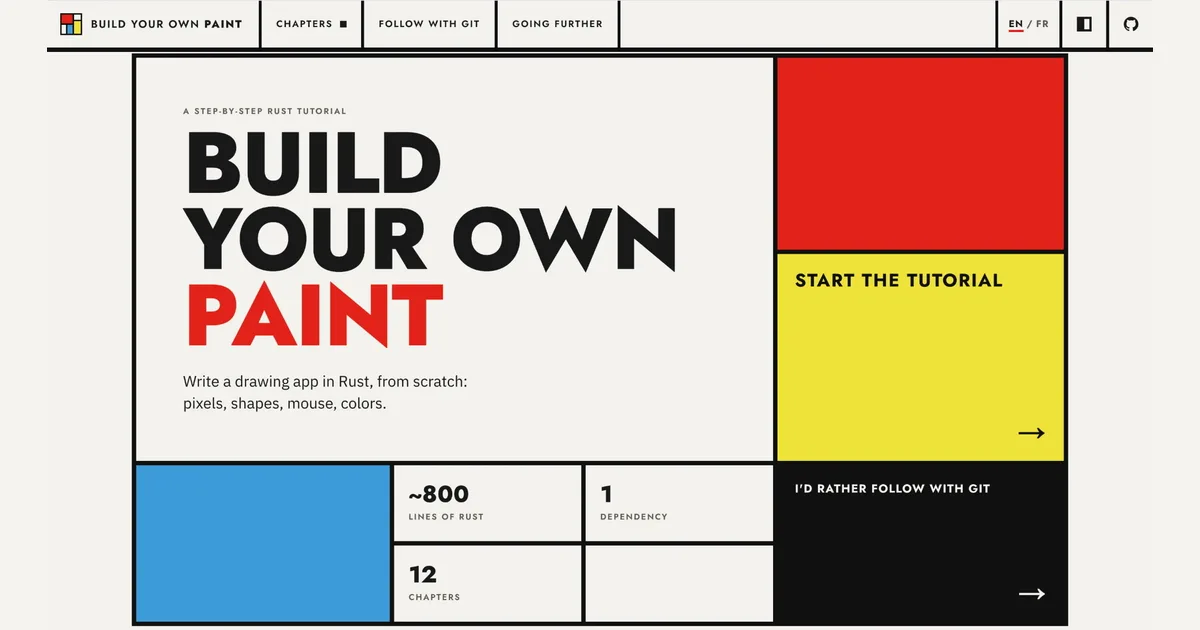
The tutorial shows how to write a small drawing app in Rust, in the spirit of Paint. The app opens a window, draws rectangles, circles and lines with the mouse, moves shapes, picks colors and exports the drawing as an image. The finished code is about 800 lines of Rust spread over roughly fifteen files, with one dependency, minifb[1], which opens the window and provides keyboard and mouse input; everything else is written by the reader.
The tutorial has 12 chapters, and each one ends with a program that compiles and shows something visible. It is aimed at beginners who have read the first chapters of the Rust Book but have not yet written a real program, and heavier concepts such as enums, traits and borrowing are introduced when needed. The author says the course covers the basics of rasterization[2], meaning how a rectangle or a circle turns into pixels.
The resulting app is not GIMP and not a full Paint: it has no brush, layers or undo, and it keeps a list of shapes that can be selected and moved instead of pixels that cannot be moved. The code is on the tutorial pages and in a GitHub repo with one git tag per chapter. The author recommends typing the code by hand and asks readers to report mistakes as issues on GitHub.
Read the original buildyourownpaint.comDiscussion
Sources
-
Build your own Paint
I wrote a step-by-step tutorial to learn Rust by building a small Paint app from scratch

 archive