Securing DB access for operations staff with SSM port forwarding and IAM DB auth
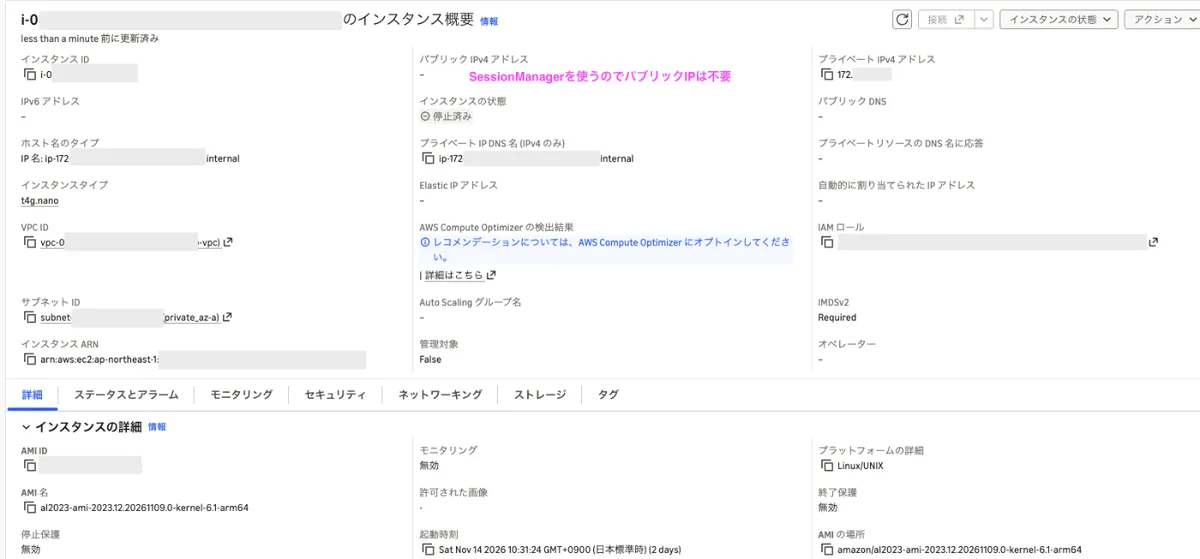
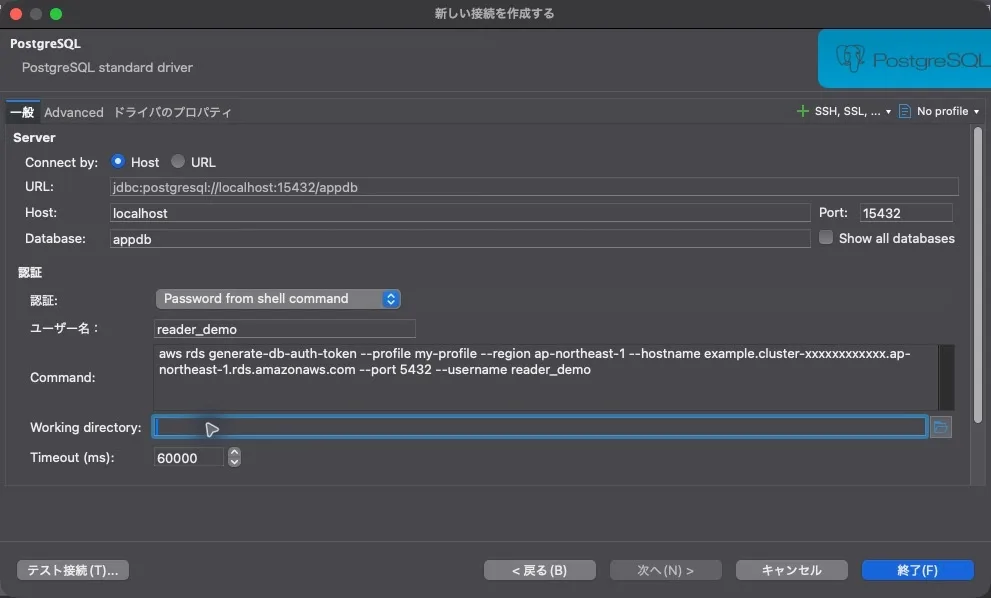
This article from Zenn, written by a Japanese development team, explains how an operations staff member can read production data in a relational database without a shared password. The example is a person investigating a customer inquiry who connects from DBeaver[1] to PostgreSQL. The connection goes through AWS Systems Manager (SSM) Session Manager[2] port forwarding to a bastion host[3], a server in a private subnet, so the database port 5432 is not exposed to the internet.
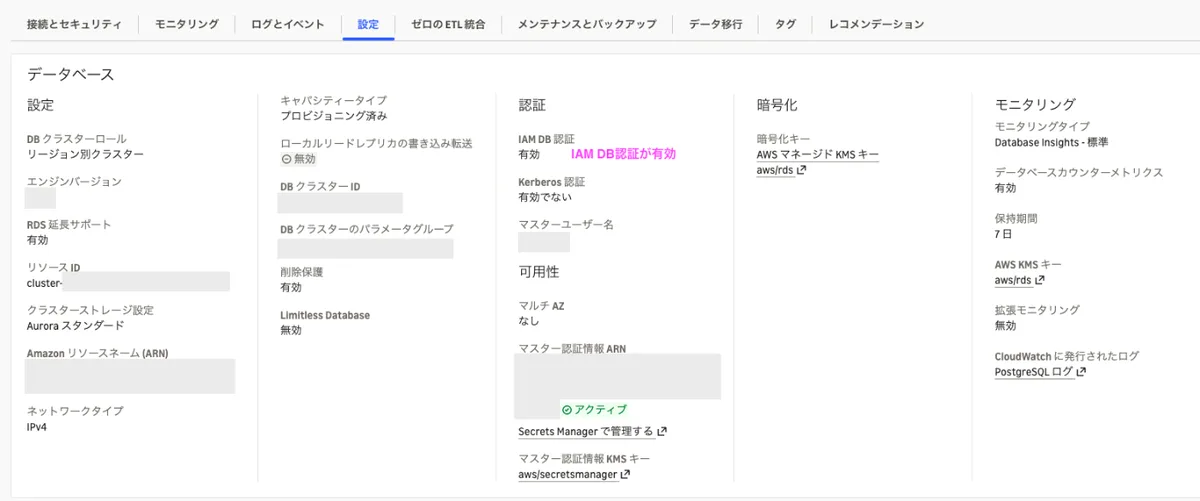
Each staff member uses their own AWS credentials. An IAM policy decides whether the person may start port forwarding to the specified bastion. On each connection, DBeaver calls the AWS CLI and passes an IAM database authentication token[4], generated from the person's AWS credentials, as the password; the token is valid for 15 minutes. The database checks whether that person may log in as the given database user.
Access is managed through IAM user groups: when a staff member changes, the predecessor's IAM user is disabled and a new one is added to the relevant group, so no SSH keys or shared passwords need to be replaced. In PostgreSQL, the example user reader_demo receives the rds_iam role and a project role that allows reading the target tables. The article also notes that if several people share one database user, the database log shows the same username for everyone.
Amazon Web Services shares (AMZN)
246.82 USD −4.2% since the news day, November 16
Close on November 20 Quotes: CNBC Chart by TradingView
Sources
-
JPZenn JA
運用担当者からのリレーショナルDBへのアクセスをセキュアにする - SSMポート転送とIAM DB認証