scrcpy: open-source tool to display and control Android devices from a computer
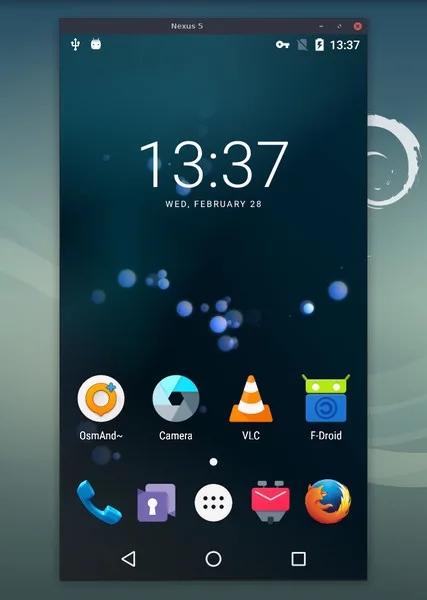
scrcpy mirrors the video and audio of an Android device connected by USB or TCP/IP and lets you control it with your computer's keyboard and mouse. It works on Linux, Windows and macOS and does not need [root access][1] or an app installed on the device. The project lists 30~120fps depending on the device, quality of 1920×1080 or above, latency of 35~70ms, and about 1 second to show the first image.
The features include audio forwarding on Android 11+, recording, a virtual display, camera mirroring on Android 12+, and use as a webcam through [V4L2][2] (Linux only). It also offers physical keyboard and mouse simulation ([HID][3]), gamepad support, and [OTG mode][4]. The minimum is API 21 (Android 5.0), and USB debugging must be enabled. On some Xiaomi devices, control with a keyboard and mouse needs a separate option, "USB debugging (Security Settings)", and a reboot. In OTG mode, USB debugging is not required.
The README says the GitHub repository is the only official source, and warns against downloading releases from other sites, even if their names contain scrcpy. Setup guides are provided for Linux, Windows and macOS. Reducing the resolution, for example with scrcpy -m1024, may greatly improve performance. Right-click triggers BACK, and middle-click triggers HOME.
Sources
-
GitHub Trending
Genymobile/scrcpy