Running 16-bit Windows applications (Windows 1.x–3.1) on 64-bit Windows
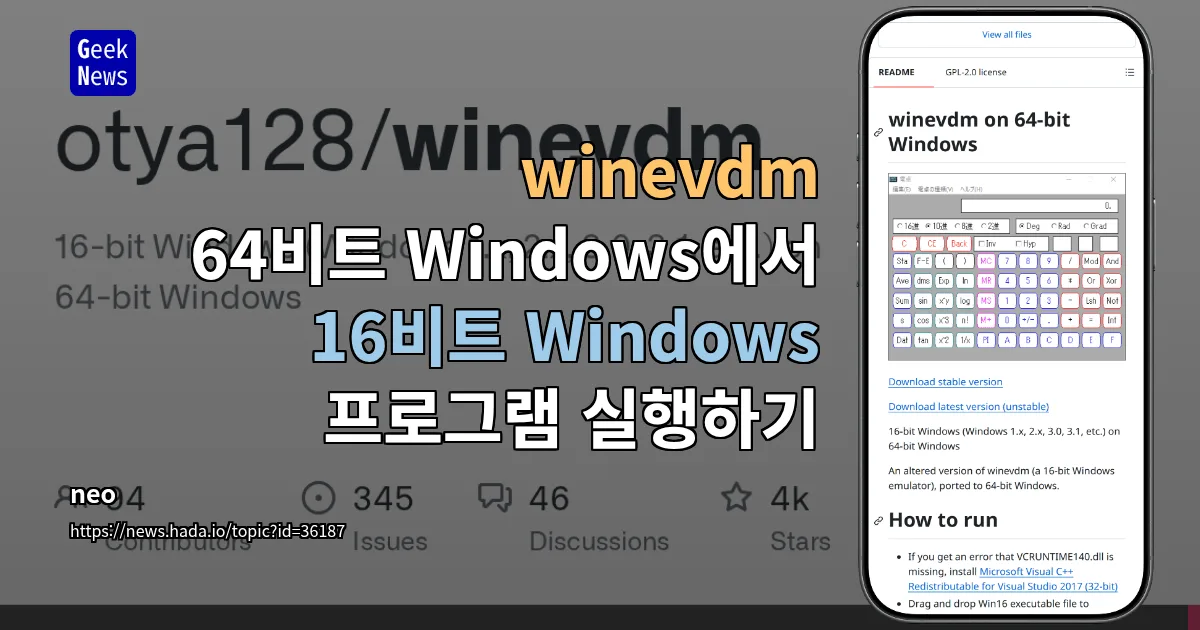
otvdm is an altered version of winevdm, a 16-bit Windows emulator, ported to 64-bit Windows so that applications written for Windows 1.x, 2.x, 3.0 and 3.1 can run. After installing via the "install" shortcut or by right-clicking install.inf, Win16[1] executables can be started directly, dragged onto otvdm.exe, or run through otvdmw.exe. If VCRUNTIME140.dll is reported missing, the Microsoft Visual C++ Redistributable for Visual Studio 2017 (32-bit) must be installed. Uninstallation is done with uninstall.reg, and if Windows Update resets the registry entries, the installation has to be repeated.
The program includes a CPU emulator, because 64-bit Windows cannot modify the LDT[2]: NtSetInformationProcess with ProcessLdtInformation always returns an error. It reuses wine's Win16-to-Win32 conversion code, in which relay routines[3] from 16-bit to 32-bit are autogenerated by convspec. It also contains DOS emulation for Win16 and conversion between 16-bit and native HANDLE values. When 64-bit Windows detects a 16-bit installer, it starts an alternative installer that is not 16-bit, and this program uses that mechanism. Recent Windows does not allow saving to %WINDIR%[4], so attempts by Win16 programs to store settings in %WINDIR%<filename>.ini are redirected.
winevdm.exe can also run DOS executables, and the DOS version is set through the VDMDOSVER environment variable, but the DOS emulation is incomplete, so DOSBox or MS-DOS Player is recommended for DOS software.
Read the original github.comDiscussion on GeekNews
Sources
-
KRGeekNews KO
winevdm - 64비트 Windows에서 16비트 Windows 프로그램 실행하기
-
github.com
16-bit Windows (Windows 1.x, 2.x, 3.0, 3.1, etc.) on 64-bit Windows