Raycast's Dictation voice input: how it works and its main features
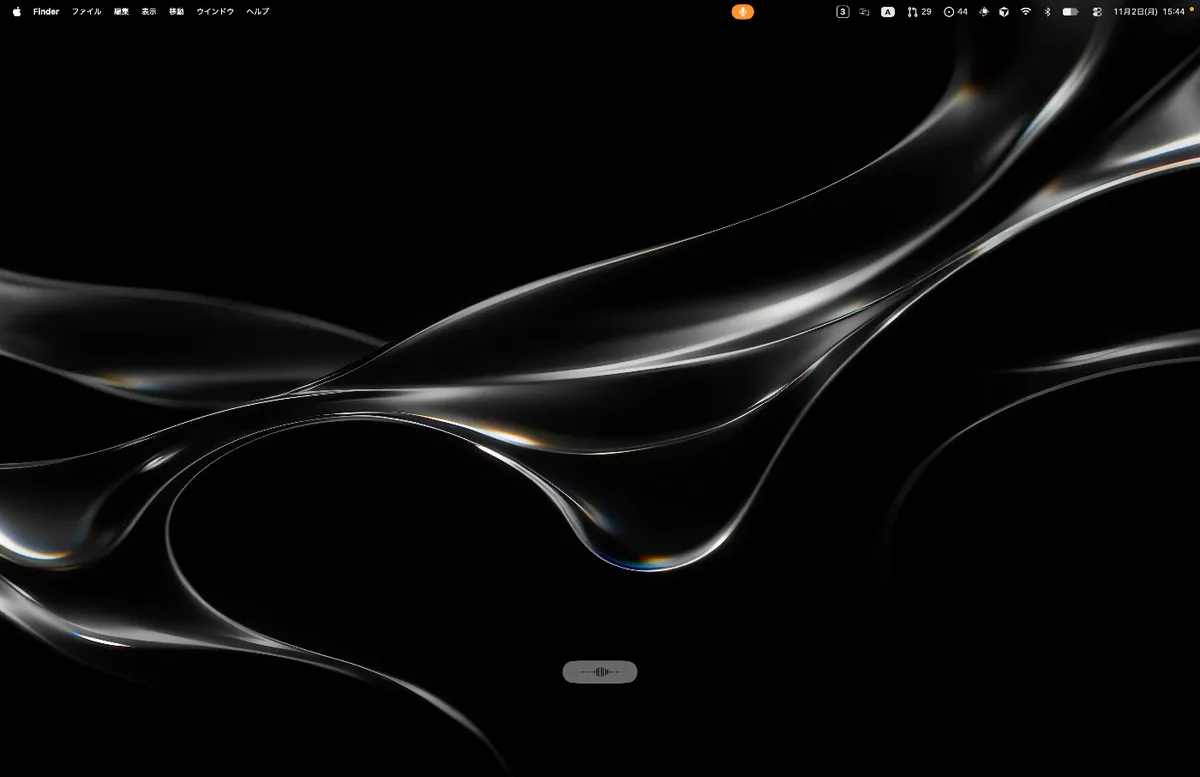
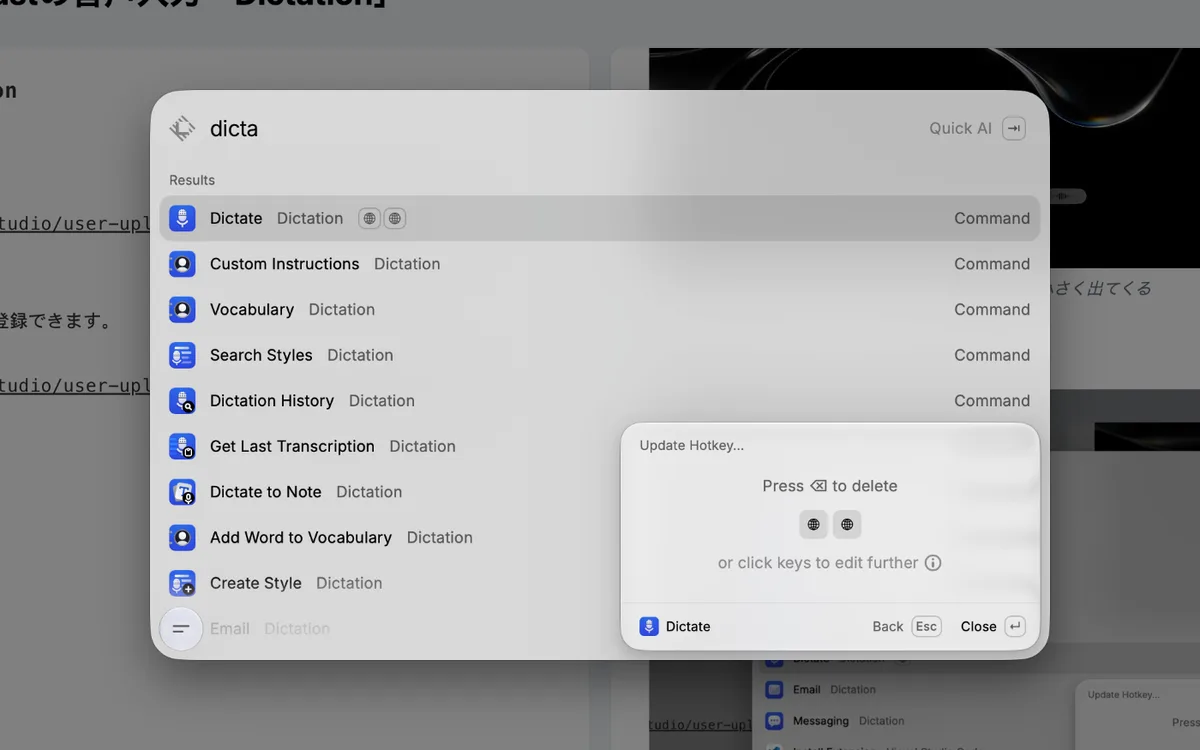
The author, who works at miive and uses Raycast[1] every day, recommends its Dictation feature, a speech-to-text tool. It starts with a shortcut that the user chooses, and the author uses a double press of the fn key. Pressing the shortcut again stops the recording and turns the speech into text.
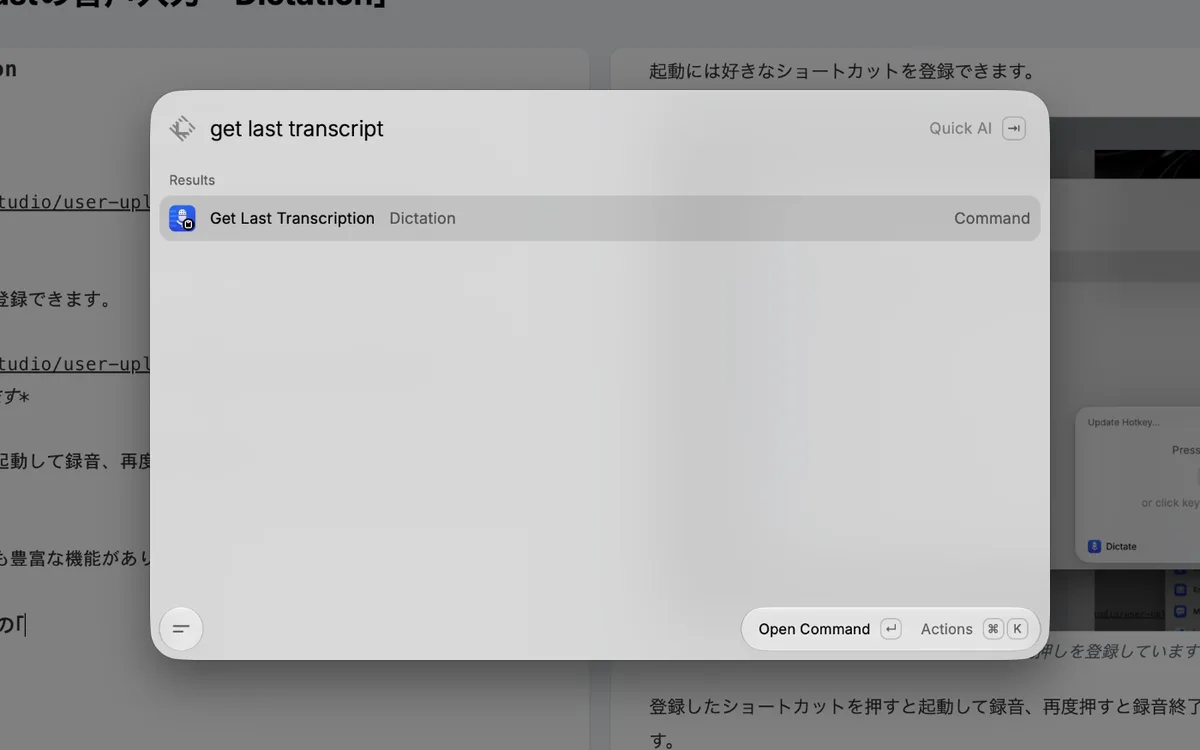
Besides the basic use, Get Last Transcription copies the latest transcript to the clipboard, and Dictation History lists and searches past transcripts, which can also be deleted. Vocabulary[2] lets users add words so they are recognized correctly; the author uses it for the company name miive, which was sometimes recognized as mive or miibe. Styles[3] set the output format for each use case, and Email and Messages are included by default.
The author notes that Dictation produces ready-to-use text with some formatting applied, not a word-for-word record, so it is not well suited to meeting minutes that must show who said what. According to the Raycast manual, audio is not used to train AI models and is not stored on Raycast servers, and the transcription history stays on the device.
Sources
-
JPZenn JA
個人的な推し、Raycastの音声入力「Dictation」