Pipeline Lens: a GitLab CI simulator for Mac
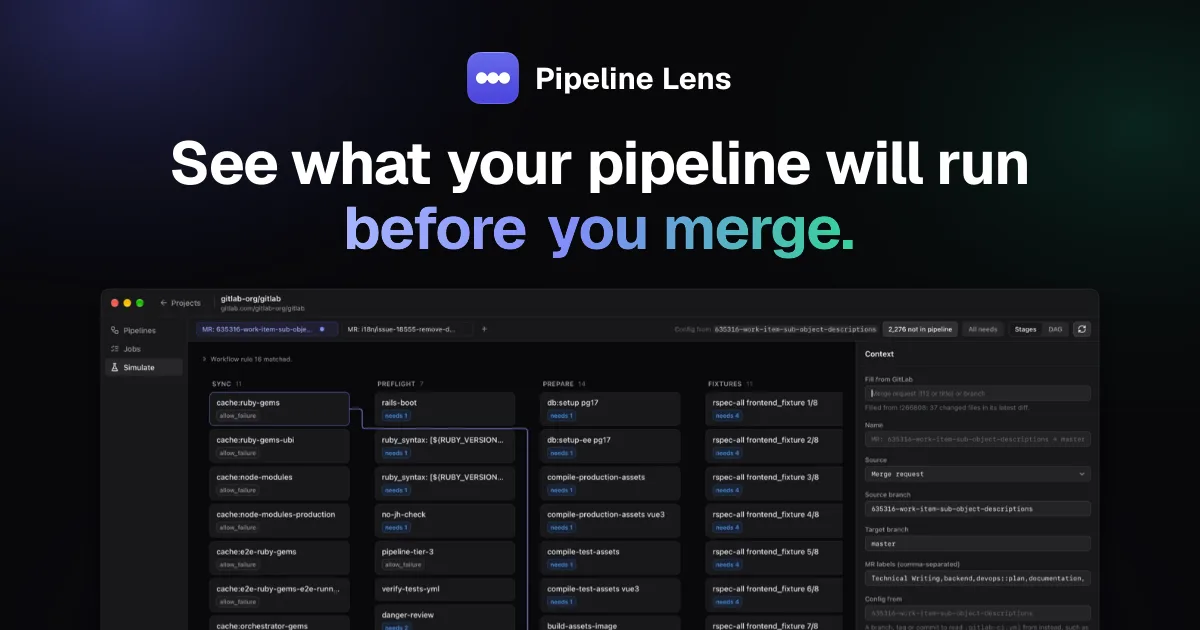
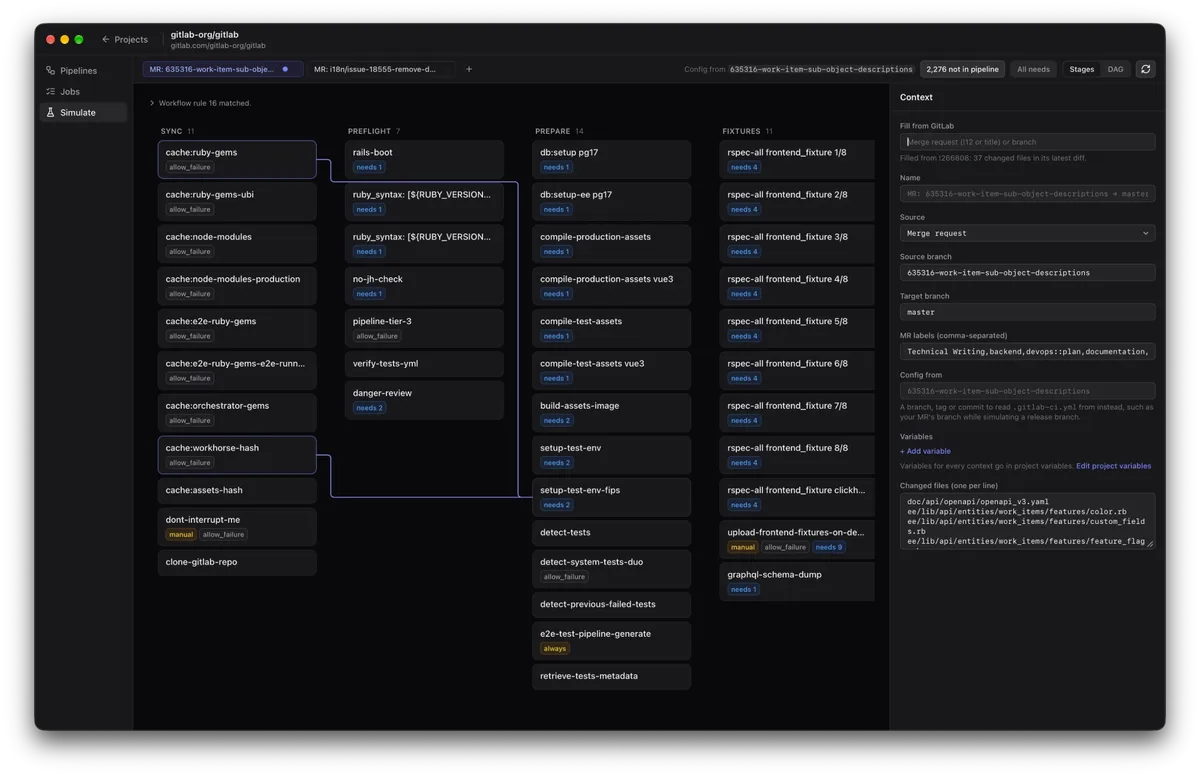
Pipeline Lens is a Mac app that shows which jobs a GitLab CI pipeline would run for a chosen branch, tag or merge request[1]. The simulation runs on the user's Mac and never creates a pipeline or job on GitLab. Users can pick a source or load it from GitLab, then change variables, merge request labels and changed files to see how the result updates.
For each job, the app lists every rule GitLab tried, in order, with the values of the variables it read, and marks the rule that matched. Finished pipelines can be viewed as a waterfall that shows when each job waited and ran. Recent pipelines and jobs stay browsable without a connection. The app supports GitLab.com, self-managed instances and GitLab Dedicated, and it handles includes, extends, needs and child pipelines[2].
Access requires a personal access token[3] with the read_api and read_repository scopes, which cannot write to projects. The token is stored in the macOS Keychain[4] and sent only to the GitLab instance the user added. The app has no accounts and no server of its own, and it requires macOS 14 or later.
Read the original monk-studio.com
Sources
-
monk-studio.com
Pipeline Lens - GitLab CI simulator for Mac