microsoft/markitdown: Python tool for converting documents to Markdown for LLMs
What happened next
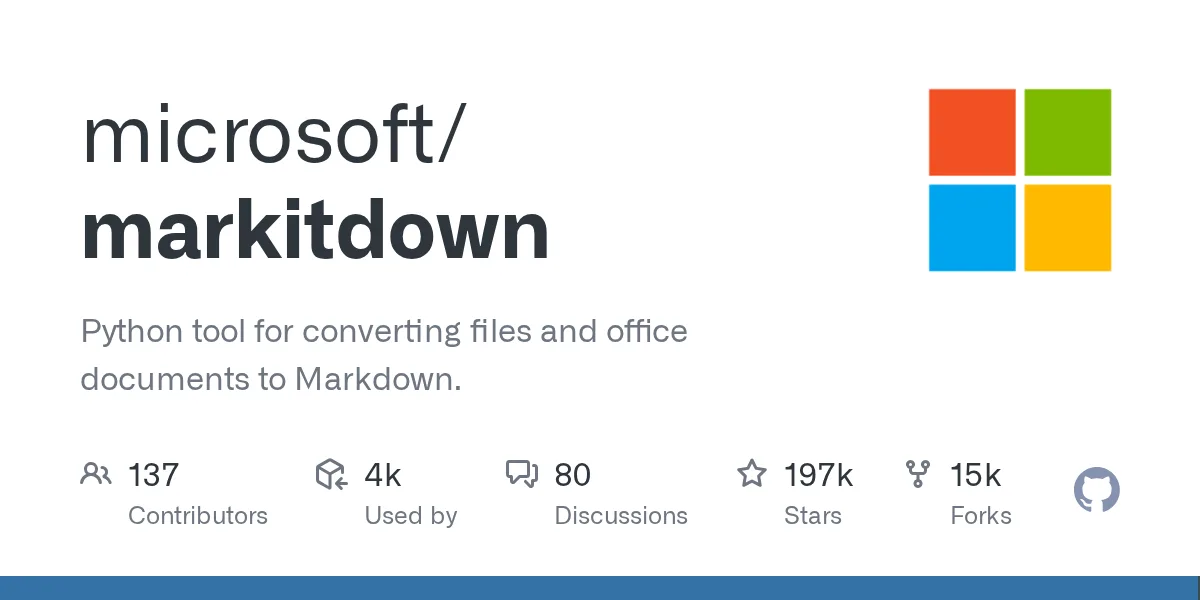
The GitHub repository microsoft/markitdown describes MarkItDown as a lightweight Python utility that converts various files to Markdown for use with LLMs[1] and text analysis pipelines. It keeps document structure such as headings, lists, tables and links, but its output is meant mainly for text analysis tools and may not suit high-fidelity conversion for human readers. Supported inputs include PDF, PowerPoint, Word, Excel, images, audio, HTML, CSV, JSON, XML, ZIP files, YouTube URLs and EPub files, and images are described using EXIF metadata[2]. Image captioning and speech transcription rely on web-hosted services.
The README says MarkItDown requires Python 3.10 through 3.14 and can be installed with pip install 'markitdown[all]'. A file is converted from the command line with markitdown path-to-file.pdf > document.md, and optional dependencies can be installed for individual formats. Third-party plugins are disabled by default and are enabled with --use-plugins. The markitdown-ocr plugin adds OCR[3] to PDF, DOCX, PPTX and XLSX converters by using an LLM vision client, and if no client is given, OCR is skipped silently.
The README warns that MarkItDown runs with the privileges of the current process, so inputs should be sanitized in untrusted environments and the narrowest convert_* function should be used. It also mentions Azure Content Understanding as an option for higher-quality conversion with structured field extraction. The repository gained 526 stars today.
Sources
-
GitHub Trending
microsoft/markitdown