M3E Canvas: open-source browser sketchpad that turns app screens into AI coding prompts
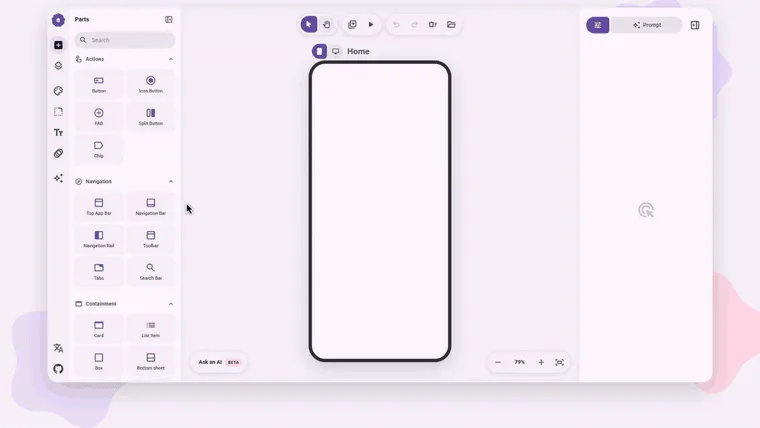
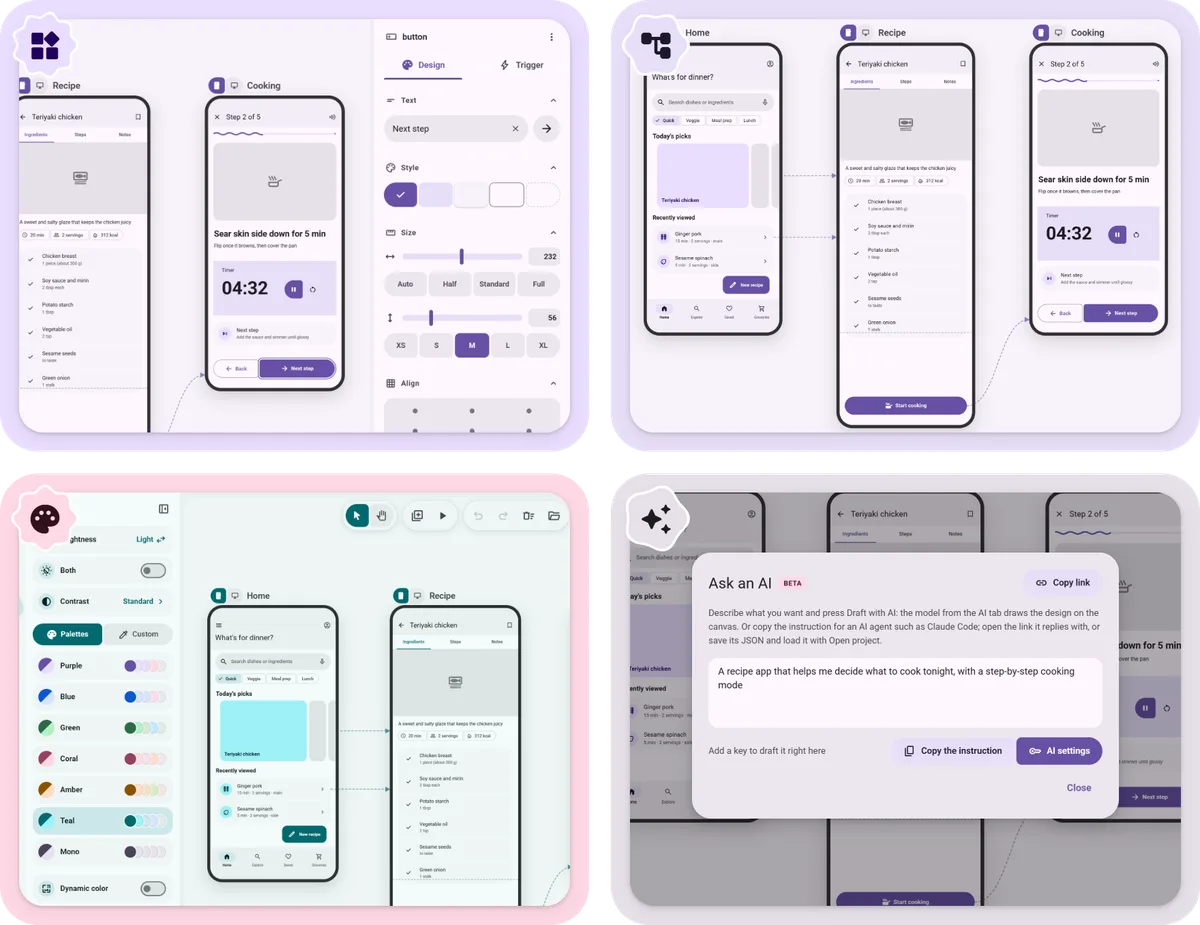
M3E Canvas is a free, open-source sketchpad for app screens built from real Material 3 Expressive parts, such as buttons, cards, bars and FABs[1]. It runs entirely in the browser, with no account, no server and nothing to install. Users drag parts onto phone or desktop screens, where they snap together and line up on a 4dp[2] grid.
Users link parts to screens and press Preview to test the flow, including transitions. The whole design is then turned into a short brief in Japanese, English, Chinese or Korean. Pasted into an AI coding tool such as Claude Code, Codex, Gemini CLI or Cursor, the brief can be turned into a working app.
The AI helper is optional and uses the user's own key for OpenAI, Claude, Gemini or DeepSeek; keys stay in the browser. The project is a static Next.js export that can be run locally with npm or hosted on GitHub Pages. On 17 November 2026, the day it appeared on GitHub Trending, the repository had 101 stars.
Sources
-
GitHub Trending
lnkiai/m3e-canvas