llama.cpp: C/C++ library for running LLMs locally and in the cloud
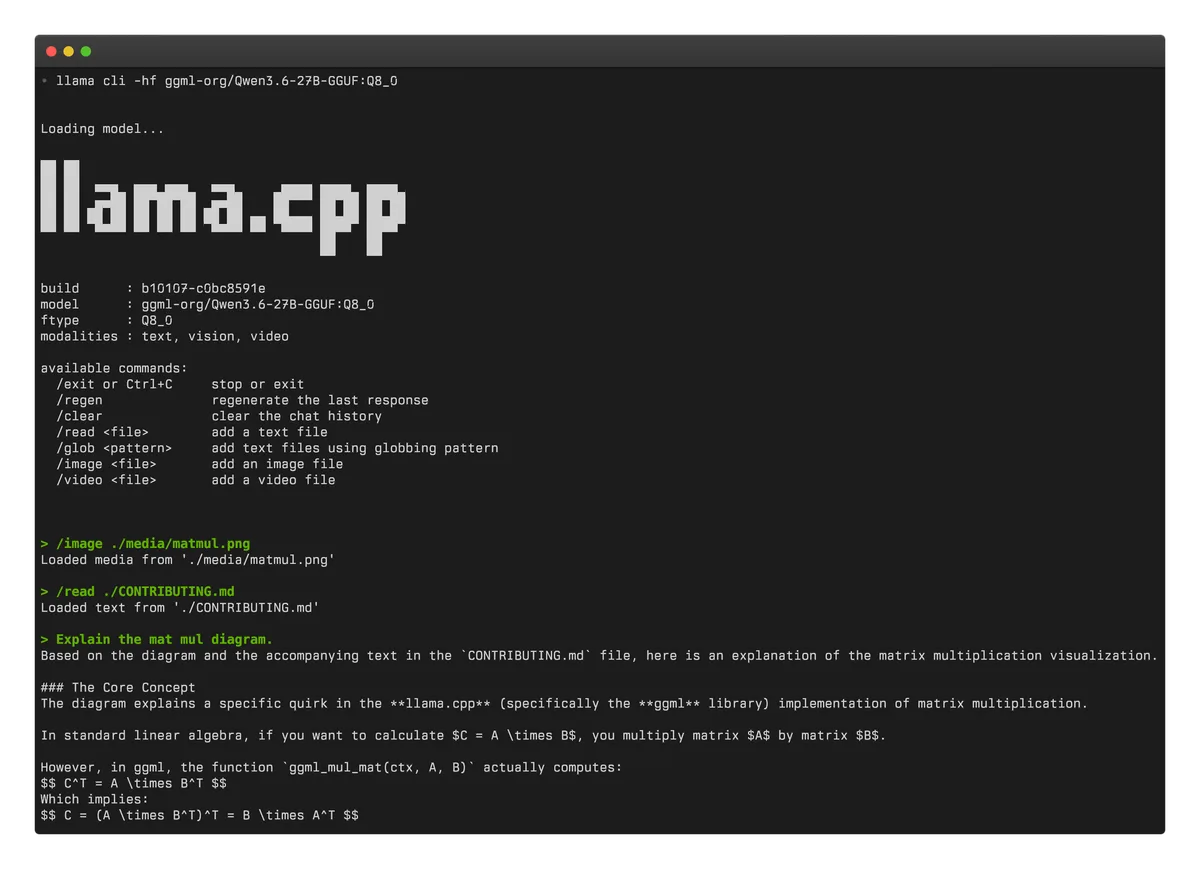
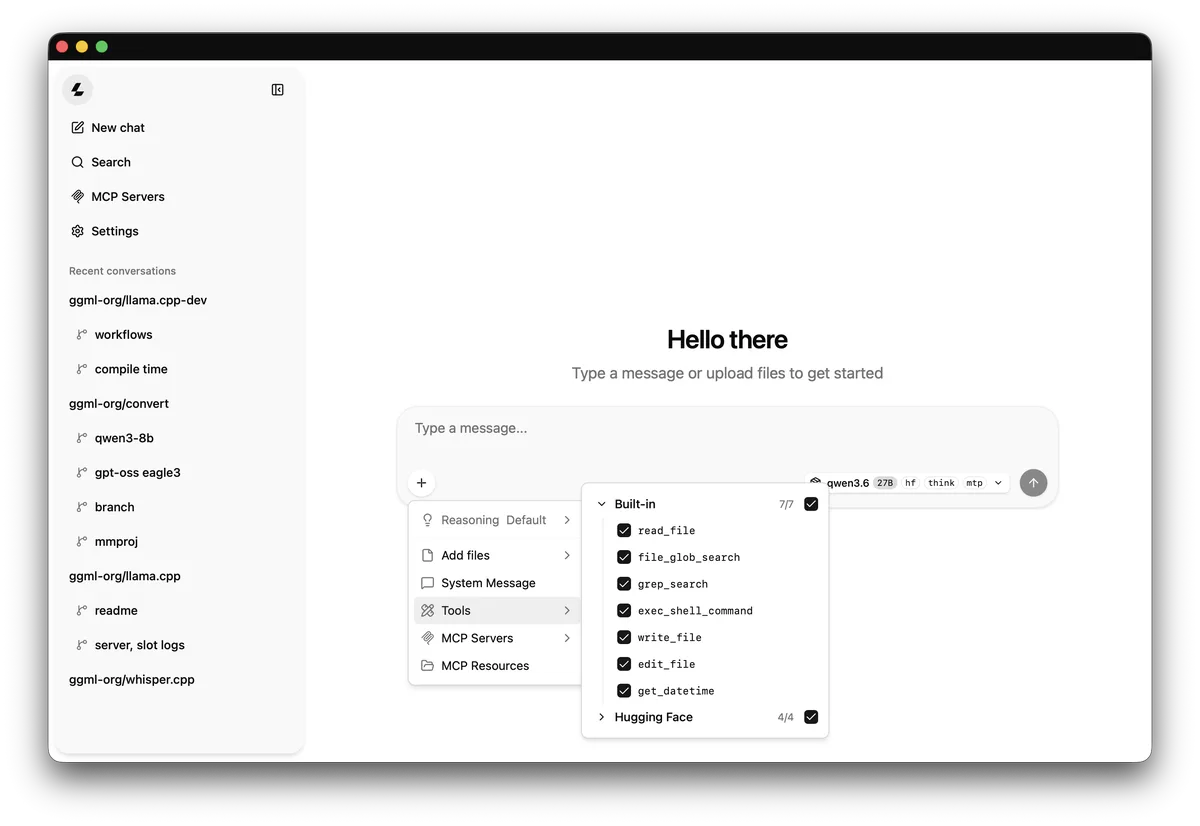
The llama.cpp project provides LLM inference in plain C/C++ with no dependencies. Its goal is to run large language models (LLMs) and vision language models (VLMs) with minimal setup and high performance, locally or in the cloud. The project is built on top of the ggml[1] library.
Hardware support covers Apple silicon (via ARM NEON, Accelerate and Metal), x86 processors with AVX instructions, RISC-V processors, and Nvidia GPUs (via custom CUDA kernels). AMD GPUs are supported through HIP and Moore Threads GPUs through MUSA, and the project also offers Vulkan and SYCL backends[2]. It supports 1.5-bit to 8-bit integer quantization[3], which the project says makes inference faster and reduces memory use. CPU+GPU hybrid inference can partly accelerate models larger than the total VRAM[4] capacity.
To install llama.cpp, you can use a curl or PowerShell script, Docker, prebuilt binaries from the releases page, or build from source. After installation, the command `llama cli -hf ggml-org/Qwen3.5-0.8B-GGUF` downloads a model from Hugging Face and runs it, and `llama serve` starts an OpenAI-compatible API server. The repository describes contributor roles: contributors can open PRs, collaborators are invited based on their contributions, and maintainers can merge into the master branch.
Sources
-
GitHub Trending
ggml-org/llama.cpp