Importing dbt metadata into Google Cloud's Knowledge Catalog (Dataplex)

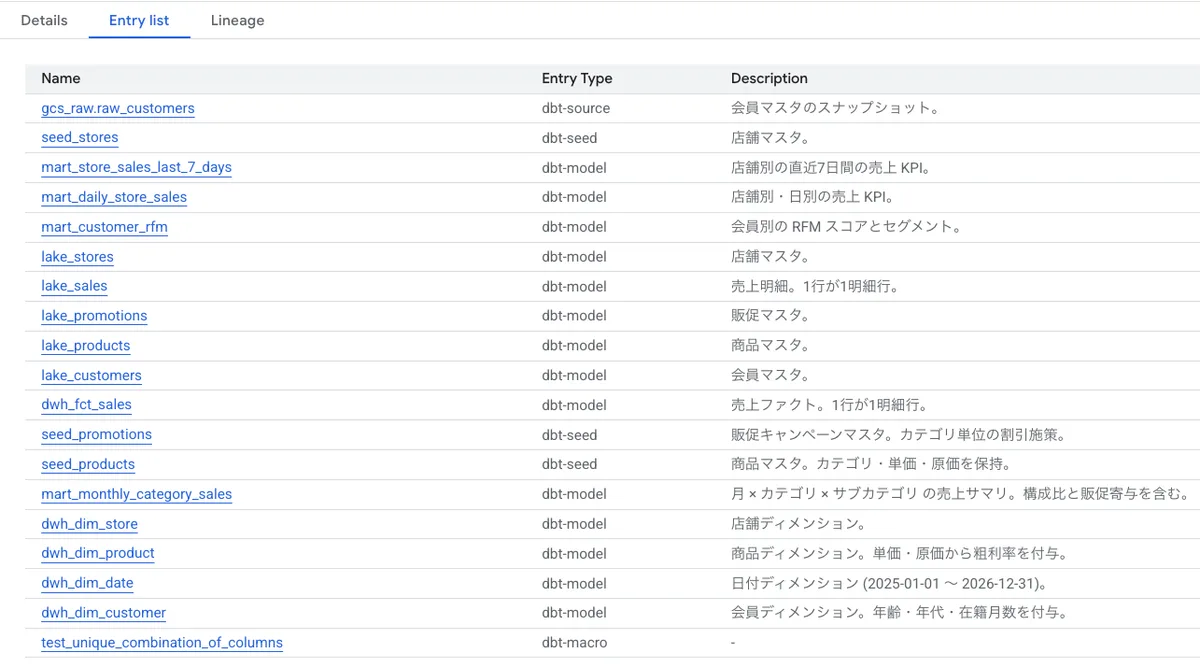
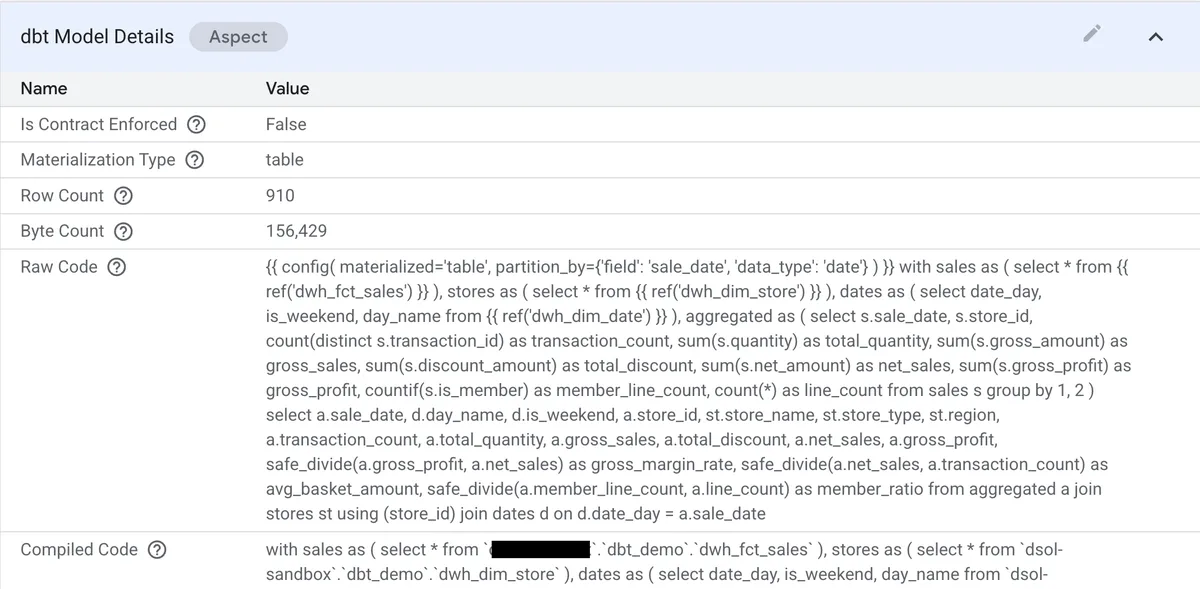
Google Cloud's Knowledge Catalog (formerly Dataplex Universal Catalog) can now import metadata from dbt, and the feature is generally available. The import covers models, seeds and sources with column names, data types and row counts, as well as MetricFlow semantic models, metrics, saved queries, run results, test outcomes, data freshness[1] and dependencies between resources. It also brings in the places outside dbt where data is used, defined with exposures[2].
Each dbt resource becomes one catalog entry, and Google manages the entry and aspect types, so users do not need to define their own. The import runs with one gcloud command. The command converts the dbt artifacts in the target/ folder into JSONL, uploads them to a Cloud Storage bucket and creates a metadata job from them. The manifest.json file is required, and catalog.json, run_results.json and sources.json are also used.
Data Lineage covers only BigQuery resources, so full dbt lineage requires a separate OpenLineage[3] integration. The dbt docs generate command must be run with --no-compile, because without it the command overwrites test results and the catalog reports all data quality tests as passed. A full import is needed for the first run and after dbt resources are added, renamed or deleted. For regular updates, the --aspects-only flag adds and updates metadata without deleting anything.
Sources
-
JPZenn JA
dbt のメタデータを Knowledge Catalog (Dataplex) に取り込む