How to close WhatsApp Web sessions left open on other people's computers from your phone

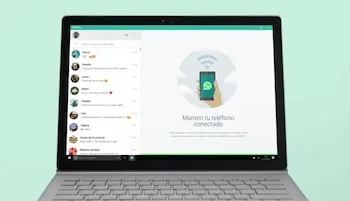
Anyone who used WhatsApp Web on a shared computer and forgot to log out can end that session from their phone, without going back to the computer. The option is in the Linked devices[1] section of the app, and it does not delete any chats. WhatsApp allows up to four devices linked to one account besides the main phone, including browsers, Windows and Mac apps, and tablets. Each device works independently, so a forgotten computer can stay connected even when the phone is off. WhatsApp says it automatically disconnects linked devices after 30 days of inactivity.
On Android, the user opens WhatsApp, taps the three dots in the top right corner, selects Linked devices, taps the device and presses Log out, sometimes with a confirmation. On iPhone, the route starts in Settings or from the profile photo and requires a second confirmation. If there are several unknown devices, the steps are repeated for each one, and logging out of a linked device does not delete chats, photos or documents on the main phone.
To avoid the problem, users on shared computers can uncheck "Keep me signed in" before scanning the QR code[2], since closing the tab does not always disconnect the account. WhatsApp also asks that devices be linked only through its official channels, and it asks users to log in on their main phone at least every 14 days to link a new device.
Product WhatsApp whatsapp.com
A free messaging and calling app for phones, computers and tablets, with end-to-end encrypted chats across linked devices.
Sources
-
ARInfobae Tecno ES
Cómo cerrar desde el celular las sesiones de WhatsApp Web que quedaron abiertas en computadoras ajenas


 archive