Guide to a closed wired LAN of three Windows 11 PCs for SiTex AIR rendering
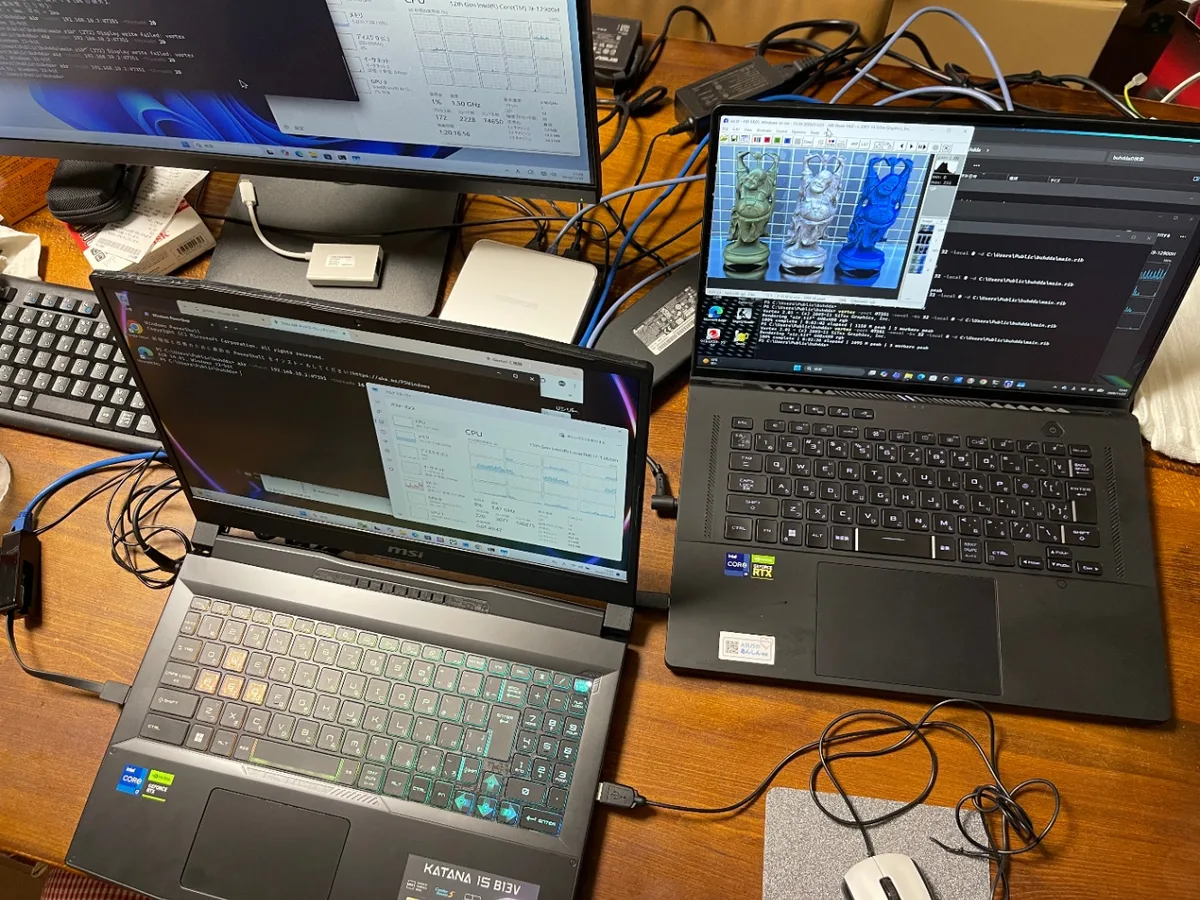
The guide shows how to connect three Windows 11 PCs with a wired LAN hub into a local network isolated from the internet, for distributed rendering with SiTex AIR (Vortex), a RenderMan-compatible renderer. Each PC gets a manually set static IP address with the default gateway and DNS fields left blank, and the network profile is changed to Private. The author recommends machines of similar performance and advises against Wi-Fi tethering because it causes packet delay and lost buckets.
Because Windows 11 (24H2 and later) rejects guest access that does not use SMB signing, the guide creates a local user named render and turns on password-protected sharing. It removes unneeded shares such as Users and maps the shared work folder as the Z: drive on all three PCs, storing the credentials with cmdkey so the drive reconnects after a restart.
The main PC runs Vortex on port 47351 with local workers disabled, and the other PCs connect to it with air -vhost, each with its own thread count. The guide also includes scripts that reconnect workers automatically and render several RIB files in turn. The author warns that malware on one PC could encrypt the shared folder, and that Vortex 2.01 has no encryption or authentication on port 47351, so a laptop taken to public Wi-Fi must be on a Public network profile.
Product SiTex AIR (Vortex) sitexgraphics.com
A hybrid 3D renderer that combines fast scanline rendering with on-demand ray tracing for reflections, shadows and global illumination.
Sources
-
JPZenn JA
Windows 11 × 3台で組む安全・閉域な有線LANネットワークレンダリング環境構築ガイド(SiTex AIR / Vortex編)
Terms
- default gateway — The address of the router that a computer uses to send traffic to networks outside its own local network.
- SMB — A protocol that Windows uses to share files and printers over a network.
- RIB — A scene description file in the RenderMan format, which the renderer reads to produce an image.


 archive