Google Antigravity adds Knowledge Work layout for non-coding tasks
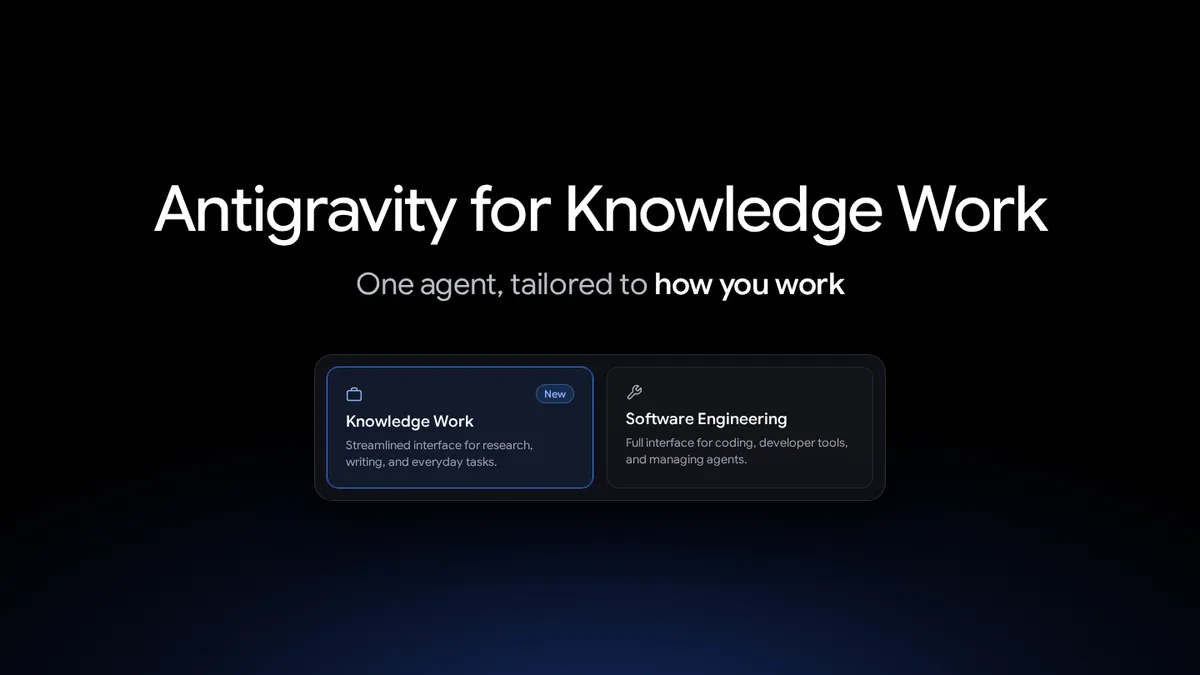
Google has added a Knowledge Work layout to Google Antigravity for people whose work goes beyond coding. The company says many users now use the tool for deep research, data analysis, drafting documents and presentations, prototyping designs, and automating everyday workflows. Tens of thousands of Googlers outside software engineering, in sales, finance, legal, product, design, research, marketing and operations, use Antigravity every week.
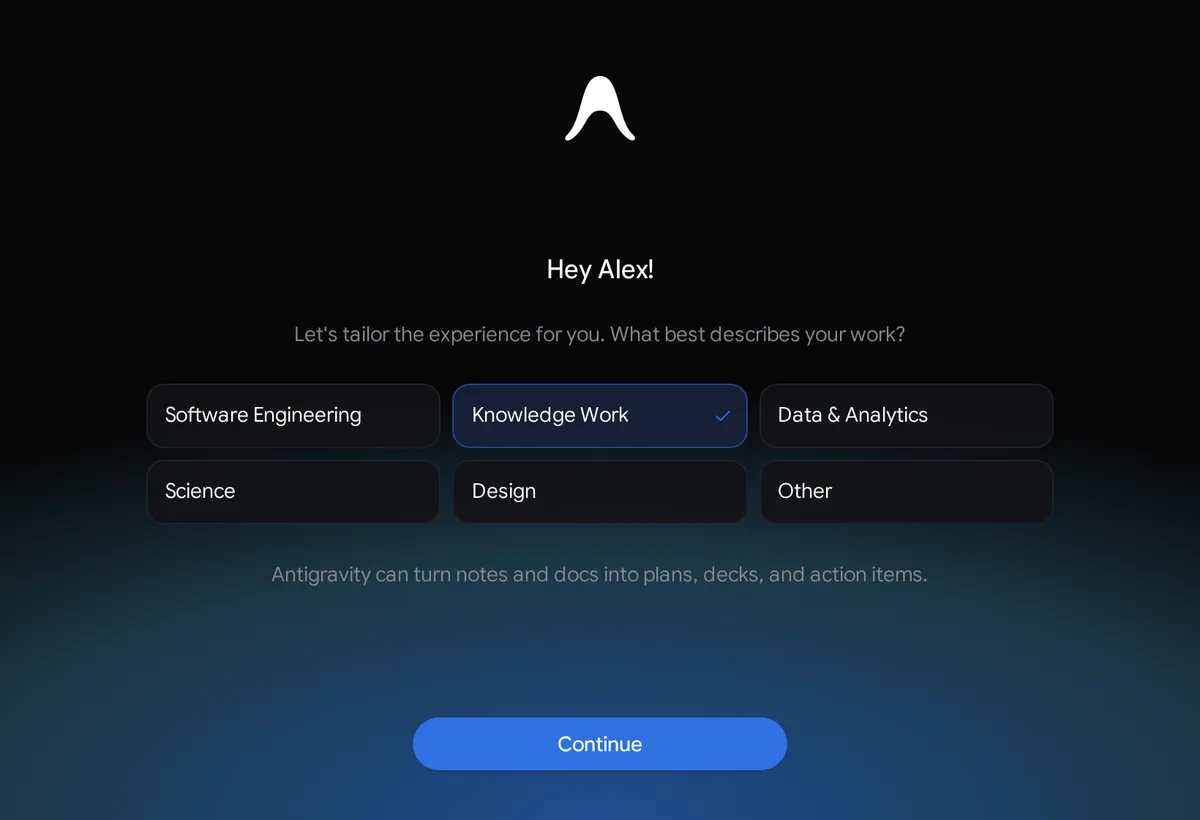
In the Antigravity app, users can now choose between two interface layouts, Knowledge Work and Software Engineering. Both run the same agent with the same access to models, local files, plugins, skills, rules, custom agents and MCP[1] servers, so only the interface changes. New users can select their role at first sign-in, which sets their starting layout, prompts and recommended plugins.
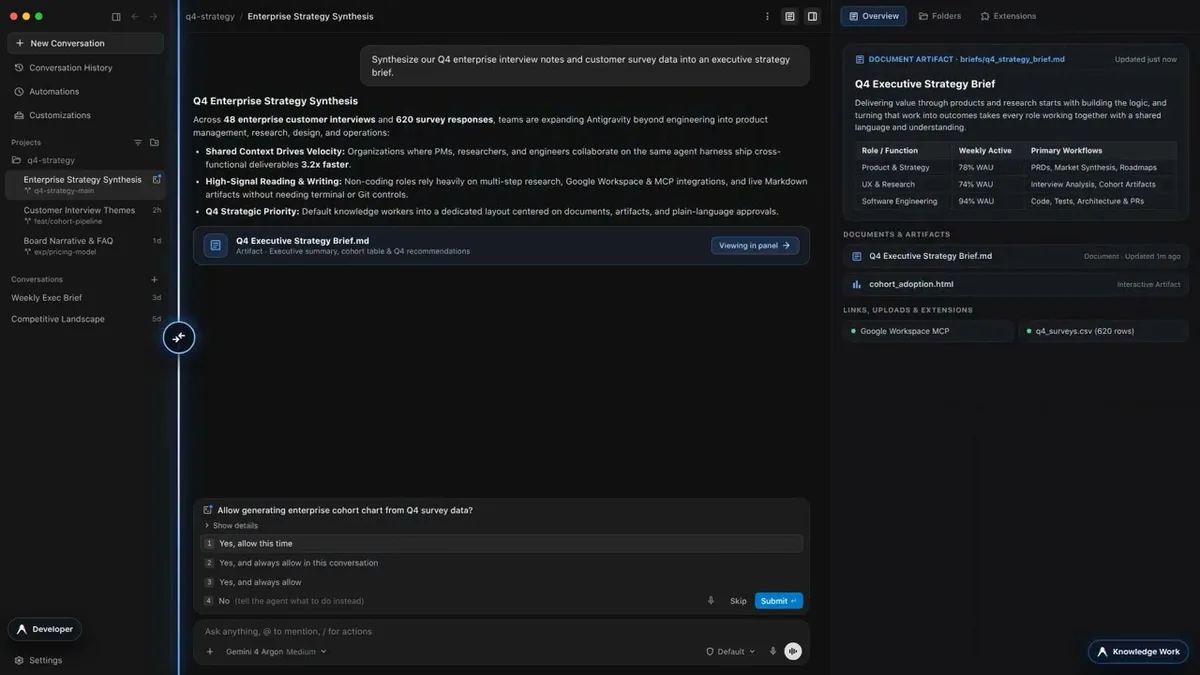
The Knowledge Work layout creates projects without Git worktree[2] prompts, hides branch pickers, and removes Review and Terminal from the side panel. It replaces tool-call groups and code diffs with a progress line and plain-language summaries on permission prompts. To switch, open Settings > General > Interface Layout; the change applies immediately with no restart. Software Engineering remains the default for existing users.
Read the original antigravity.googleDiscussion
Sources
-
Google Antigravity
Google Antigravity adds "Knowledge Work" for non-coding work