Gemini on Mac can now operate apps, files and websites on its own
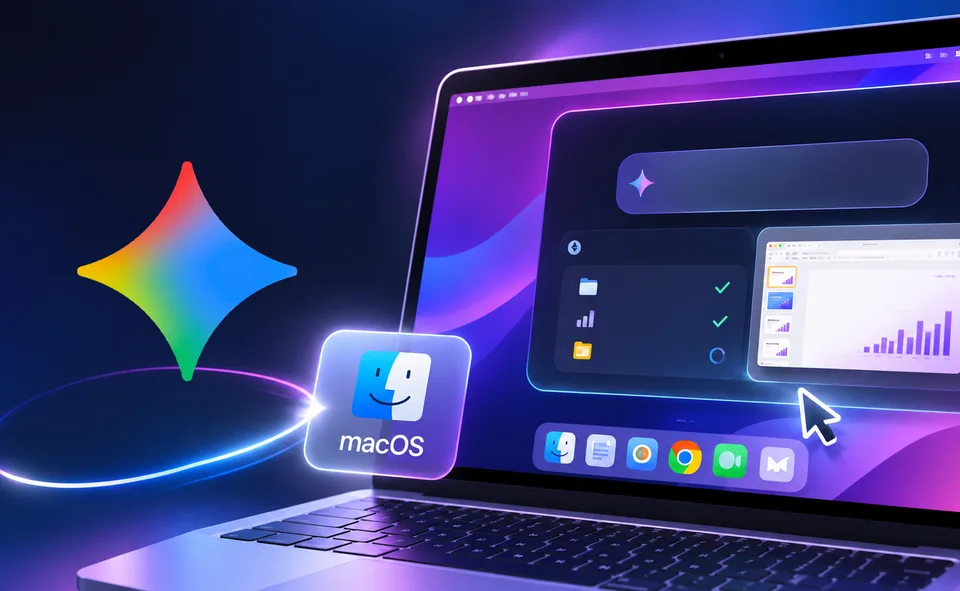
Google added a Computer Use feature to the Gemini app for Mac, which lets the AI operate Mac applications and websites. The user describes a task in natural language, and the AI agent[1] moves between local files, desktop programs and websites, clicking, typing, choosing menu items and filling in forms. Google launched the feature on 19 November local time, first in the United States.
The feature runs in an isolated background window, so the user can keep working in other programs while the AI operates the computer. The user can follow each step in a live preview in the Gemini chat, choose which apps the AI may access, pause the task, or approve key actions before they run. The article notes that these controls do not remove all malfunctions or security risks.
Examples include batch color correction of photos, building a 3D scene in Blender, extracting weight, size and address from a PDF to fill in a shipping quote form, and collecting metrics from dashboards into Google Slides. The service is available only in English in the US. It requires a Mac with Apple Silicon running macOS Sequoia 15.0 or later, and it is offered to people aged 18 and over with personal Google accounts and a Google AI Plus, Pro or Ultra subscription. No schedule for other countries, including Korea, was given in the announcement.
Product Gemini gemini.google.com
Google's AI assistant, which can help with writing, planning and brainstorming; on Mac it can also operate apps, files and websites.
Google shares (GOOGL)
265.29 USD 0.0% since the news day, November 20
Close on November 20 Quotes: CNBC Chart by TradingView
Sources
-
KRArtificial Intelligence Newspaper KO
제미나이, 맥 컴퓨터 직접 조작한다…파일·앱·웹 넘나드는 자율 AI 에이전트