Monitor's Ethernet Adapter Cut One Author's Download Speed by 75%
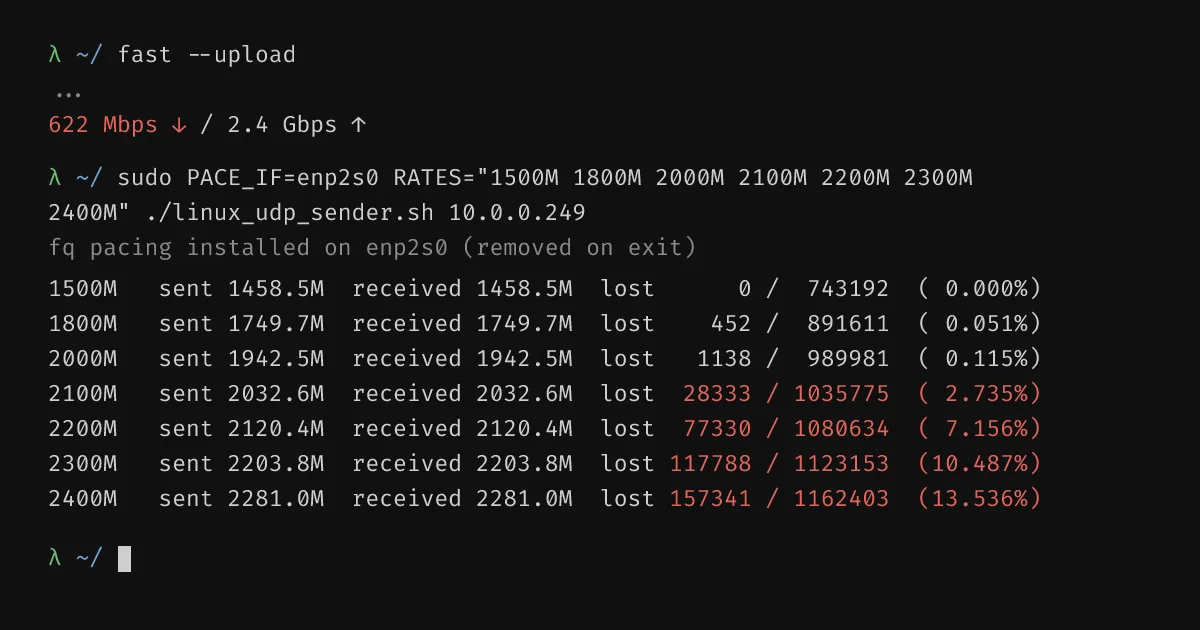
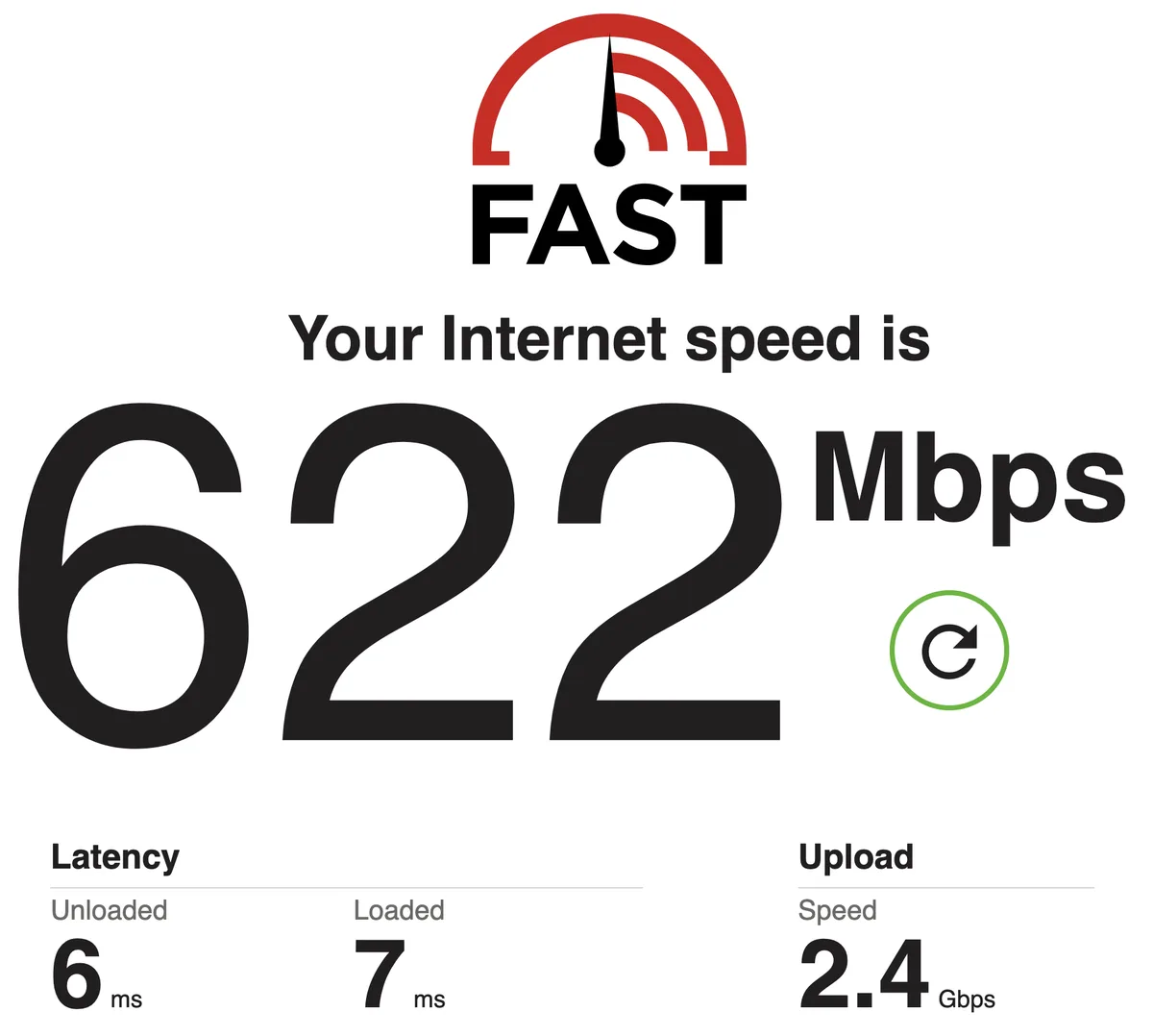
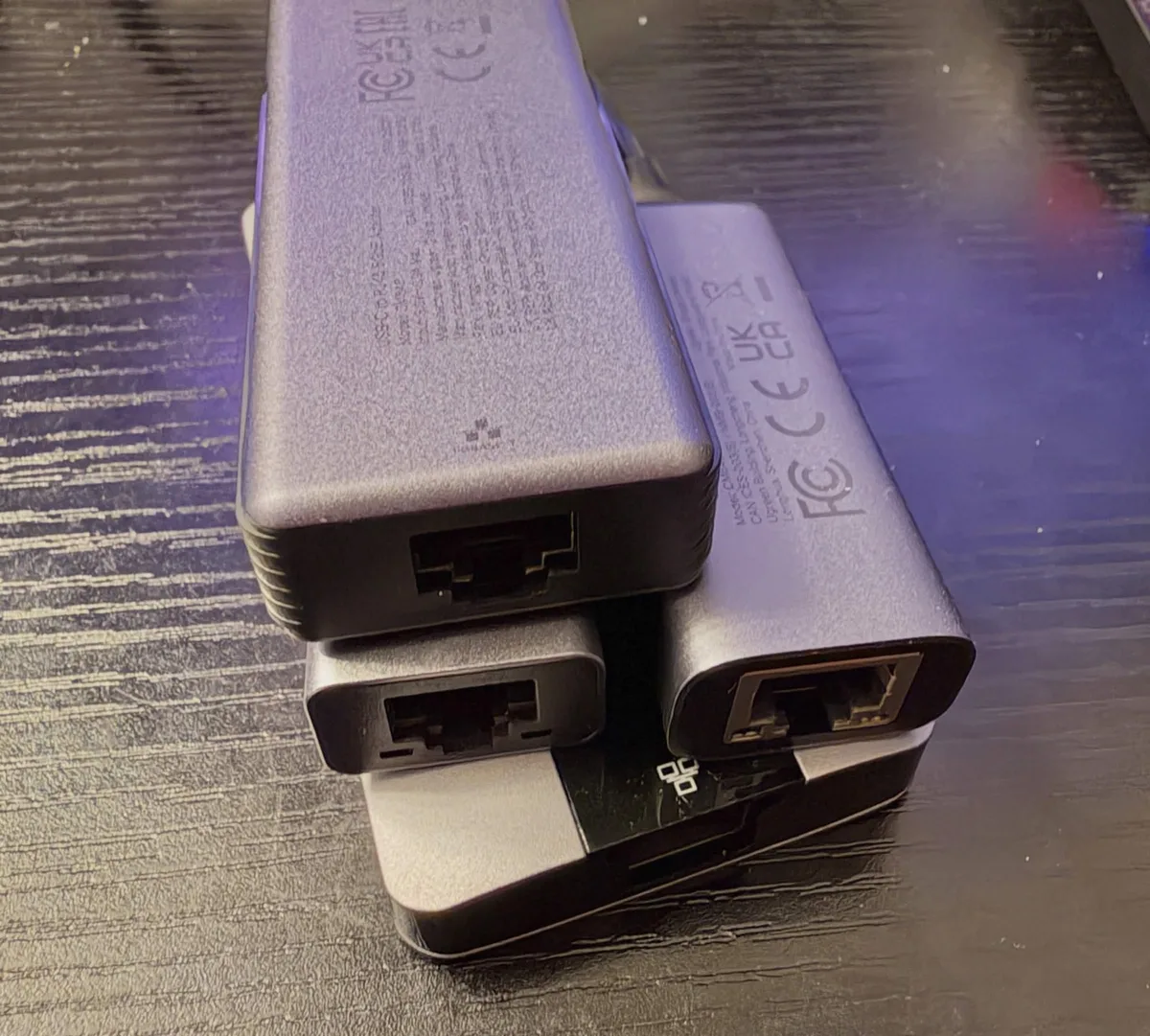
The author has a 2.5 gig symmetrical internet line, but a speed test through his Studio Display XDR monitor showed 600 Mbps down and 2.4 Gbps up. The slowdown started after he moved his connections onto the monitor, which has a UGREEN USB-C to 2.5G Ethernet adapter plugged into it. Connected directly to his Mac, the same adapter reached 2.3 Gbps in an iperf3 test, and fast.com showed 2.2 Gbps down and 2.3 Gbps up.
Pings to other wired computers during a download failed 10% of the time over the adapter in the monitor, while Wi-Fi had 0% failures, and macOS logs showed no dropped frame errors. A Realtek driver raised download speed to 1.1 Gbps, and turning on flow control in the UniFi console raised it to around 2 Gbps, though the author did not want to keep it on. The adapter's own counters showed frames dropped above about 168,000 frames per second, roughly 2 Gbps.
The author's explanation is that the adapter's Realtek RTL8156B chip sends 4 packets per burst to the Mac, while his SSD enclosure sends 16, so the adapter's buffer fills and drops packets. A replacement UGREEN adapter with the RTL8157 chip, which sends 8 packets per burst, dropped no frames in his tests. He estimates that its theoretical maximum speed to the Mac is 4.5 Gbps.
Product Studio Display XDR apple.com
Apple's 27-inch 5K Retina XDR monitor with high brightness and contrast, aimed at film, video and photo professionals.
Read the original blog.tymscar.comDiscussion
Discussion
Commenters mostly say the headline overstates the monitor's role and that the USB Ethernet adapter's handling of data bursts is the real cause. One commenter suggests the monitor's hub adds delay, so the laptop acknowledges packets too slowly. Another asks whether BBR congestion control would help, and a commenter reports a similar Wi-Fi problem with a Dell monitor over USB-C.
Sources
-
The Tymscar Blog
My monitor was cutting my download speed by 75%
-
KRGeekNews KO
내 모니터가 다운로드 속도를 75% 떨어뜨리고 있었다
Terms
- flow control — A mechanism where the receiving device sends a pause signal so the sender waits and stores data instead of the receiver dropping it.
- iperf3 — A command-line tool that measures the speed of a network connection between two computers.