Developer Leaves Typora After Seven Years, Weighs Obsidian and MarkText
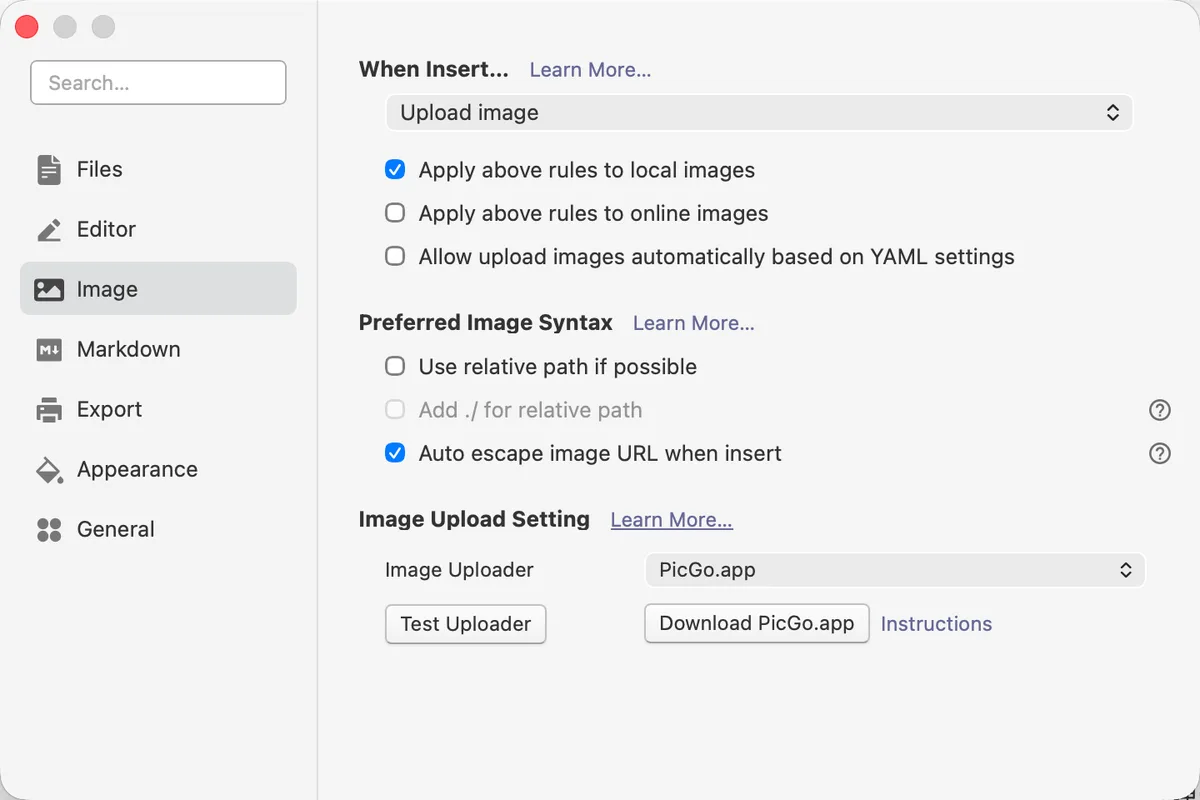
A developer is saying goodbye to Typora, which they have used for seven years to write more than 600 articles. They give three main complaints. Typora is closed source and has no official AI features, no official plugin market and no official JavaScript plugin API. Third-party plugins work through Electron[1] by changing the app's local files, so they can stop working when the official interface changes.
Image upload is the second problem. The author uses PicGo[2] with a GitHub image host, and when an upload fails, Typora falls back to a local path, so the author has to paste the images again, which has happened hundreds of times. Typora has no automatic retry, and long articles with many images have frozen the author's 32 GB Mac several times. The author also finds Typora's Focus Mode and Typewriter Mode[3] unsatisfactory, and cites *The Elements of Typographic Style* and Baymard Institute eye-tracking research, which give 30–45 Chinese characters or 50–75 English characters as the best line width for reading. He says Obsidian and MarkText handle this better.
He tested Obsidian and MarkText as replacements. Obsidian has a large plugin and AI ecosystem, a built-in plugin market and a file tree, and it shows the path of a failed image upload, but it works with vaults[4] and shows Markdown symbols in its live preview. MarkText is open source and free, has Focus and Typewriter modes, and lets users drag to resize images, but its main repository was inactive for a long time, it uses a lot of memory with many images, and it has occasional bugs with Chinese input on Mac. He has not seen it meet his core AI needs. He has not decided yet between MarkText for focused writing and Obsidian for a knowledge base with AI.
Discussion
Commenters mostly relate to the image upload problem and the difficulty of finding a replacement for Typora. Some say they switched to VS Code with plugins or to milkup, while others still praise Typora's live rendering and simple PDF export. One commenter asks which tool the author chose in the end.
Sources
-
CNJuejin ZH
再见了 Typora