cysUML: MCP server that draws UML at AI-set coordinates and checks for overlaps
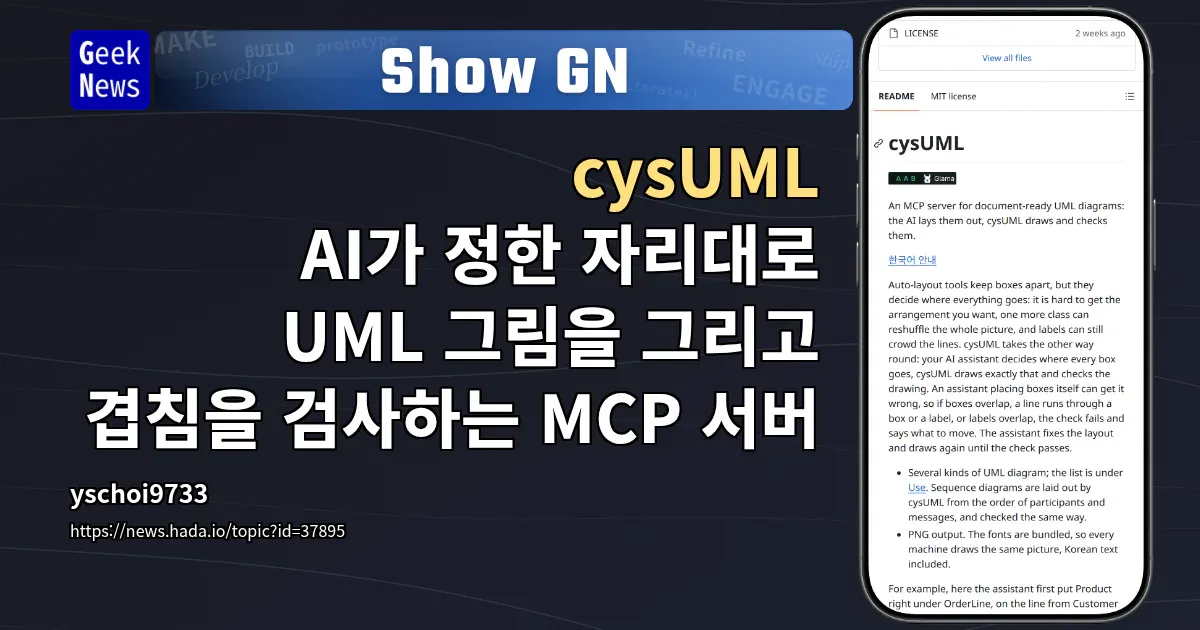
cysUML is an MCP[1] server that the author built so an AI assistant can draw UML diagrams for design documents. The assistant sets box positions as coordinates, cysUML draws a PNG at those positions, and it checks whether any line crosses a box or text, then returns the result with the image. In Claude Code it is added with one command, `claude mcp add cysuml -- uvx cysuml`, and the README describes setup for other MCP clients.
Unlike PlantUML[2] and Mermaid[3], which place boxes automatically and accept only hints, cysUML keeps the coordinates the assistant gave, so boxes that were not moved stay in place when a new class is added. The check fails overlapping boxes, lines through boxes or text, crossing lines, and overlapping text. Each failure names the element and a fix, and the assistant redraws until the diagram passes.
The assistant places class, package, component, deployment, use case, state and activity diagrams itself, while cysUML places sequence diagrams from participants, message order and frames (loop, opt, alt, ref). Fonts are bundled so the output looks the same on any computer, and Korean text is drawn. Current limits: only PNG output, many boxes may need several redraws and more tokens, some UML elements such as asynchronous messages are missing, and tool descriptions and check results are in Korean only. The code is MIT licensed and the bundled font is OFL 1.1; the package is on PyPI and the official MCP registry.
Repository cysUML github.com
MCP server that lets an AI assistant draw UML diagrams at set coordinates as PNG and checks them for overlapping boxes and lines.
Read the original news.hada.io
Sources
-
KRGeekNews KO
Show GN: cysUML - AI가 정한 자리대로 UML 그림을 그리고 겹침을 검사하는 MCP 서버




 archive