CleanYourTV disables unwanted Android TV apps and installs a simpler home screen
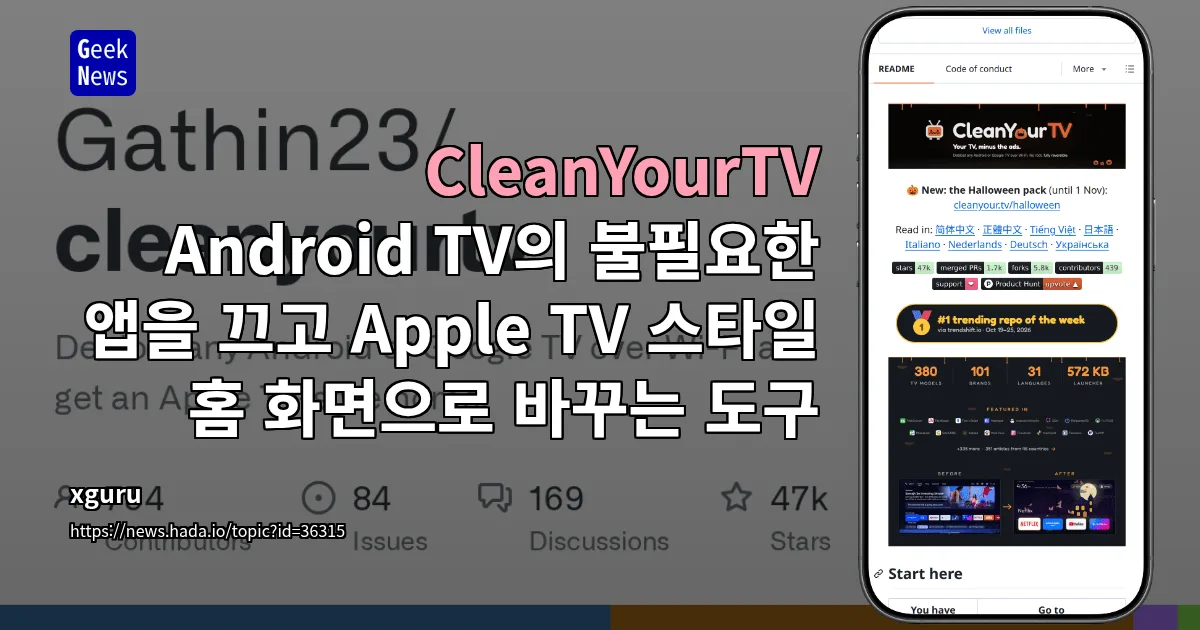
CleanYourTV connects to Android TV and Google TV over Wi-Fi and uses ADB[1] to disable manufacturer ad and telemetry services and unwanted preinstalled apps, without root access or replacing the firmware. Apps are disabled rather than deleted, and recorded changes can be reversed with a recovery script.
A provided prompt lets a coding agent inspect the TV model and installed apps, then clean up the device and install a launcher[2] after user confirmation; manual operation is also available. The Java launcher is about 572KB and includes an app dock and list, HDMI input switching, themes, and a clock screensaver, and works without network permission or a background service.
It supports Android 8.0 and later, but not Samsung Tizen, LG webOS, or Roku; Fire TV support is limited to disabling unwanted apps. A tool checks for apps and settings restored after firmware updates, and cleanyour.tv checks model compatibility and lists add-ons. The project uses the MIT license.
Read the original github.comDiscussion on GeekNews
Sources
-
KRGeekNews KO
CleanYourTV - Android TV의 불필요한 앱을 끄고 Apple TV 스타일 홈 화면으로 바꾸는 도구