Claude Code builds a Copilot Studio agent: what it can do and what stays with people
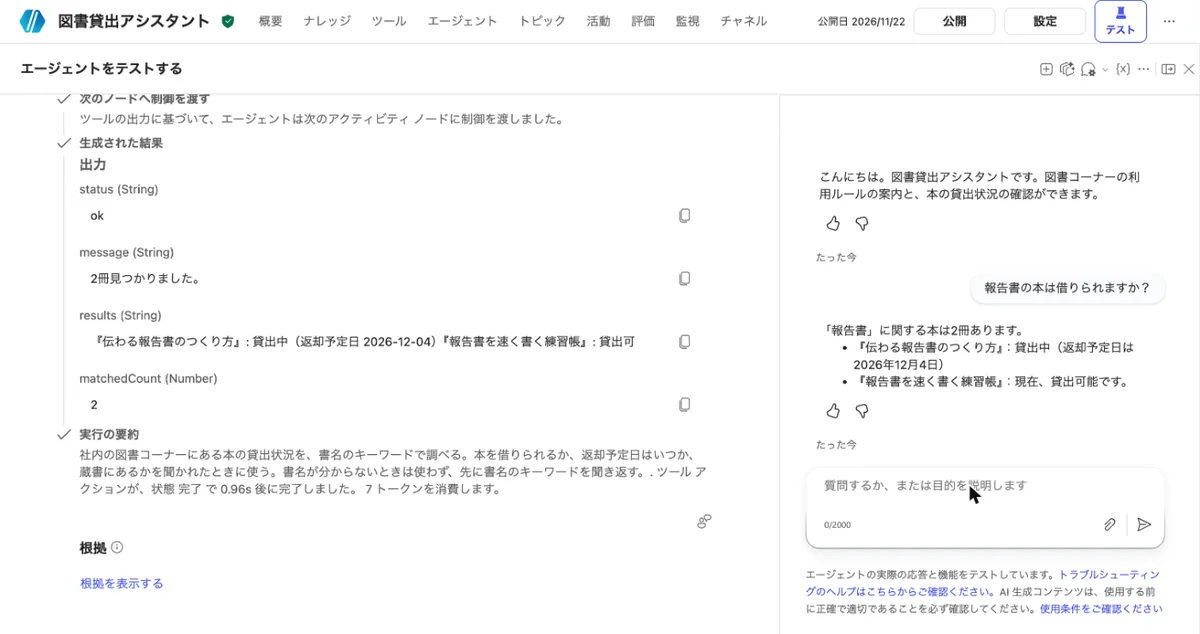
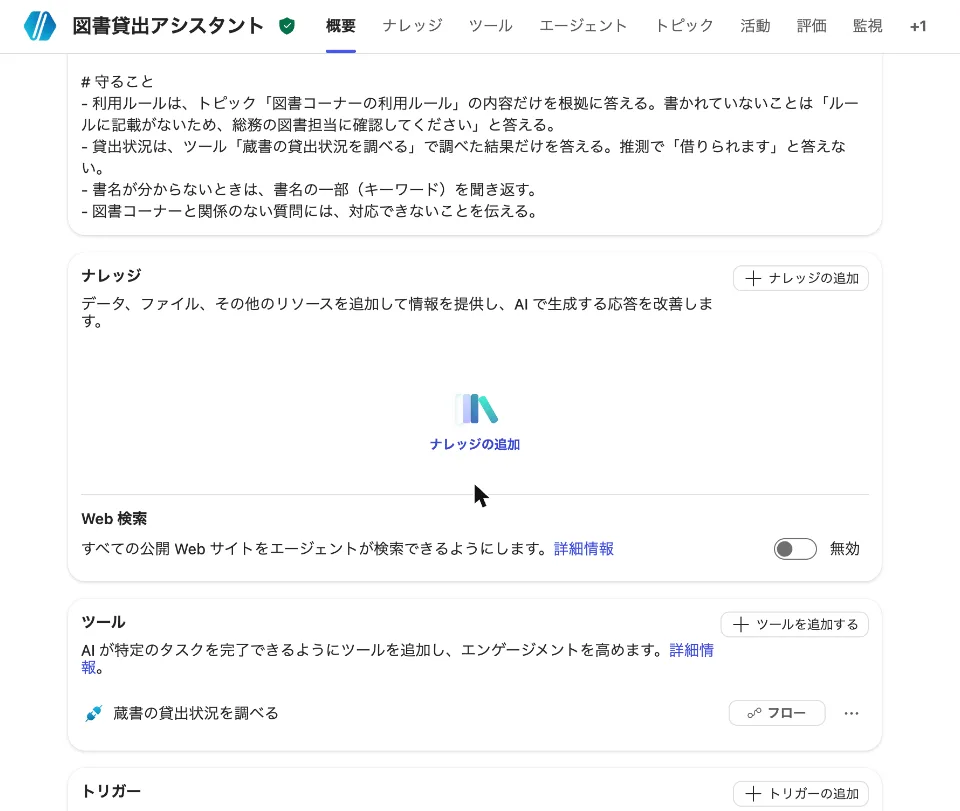
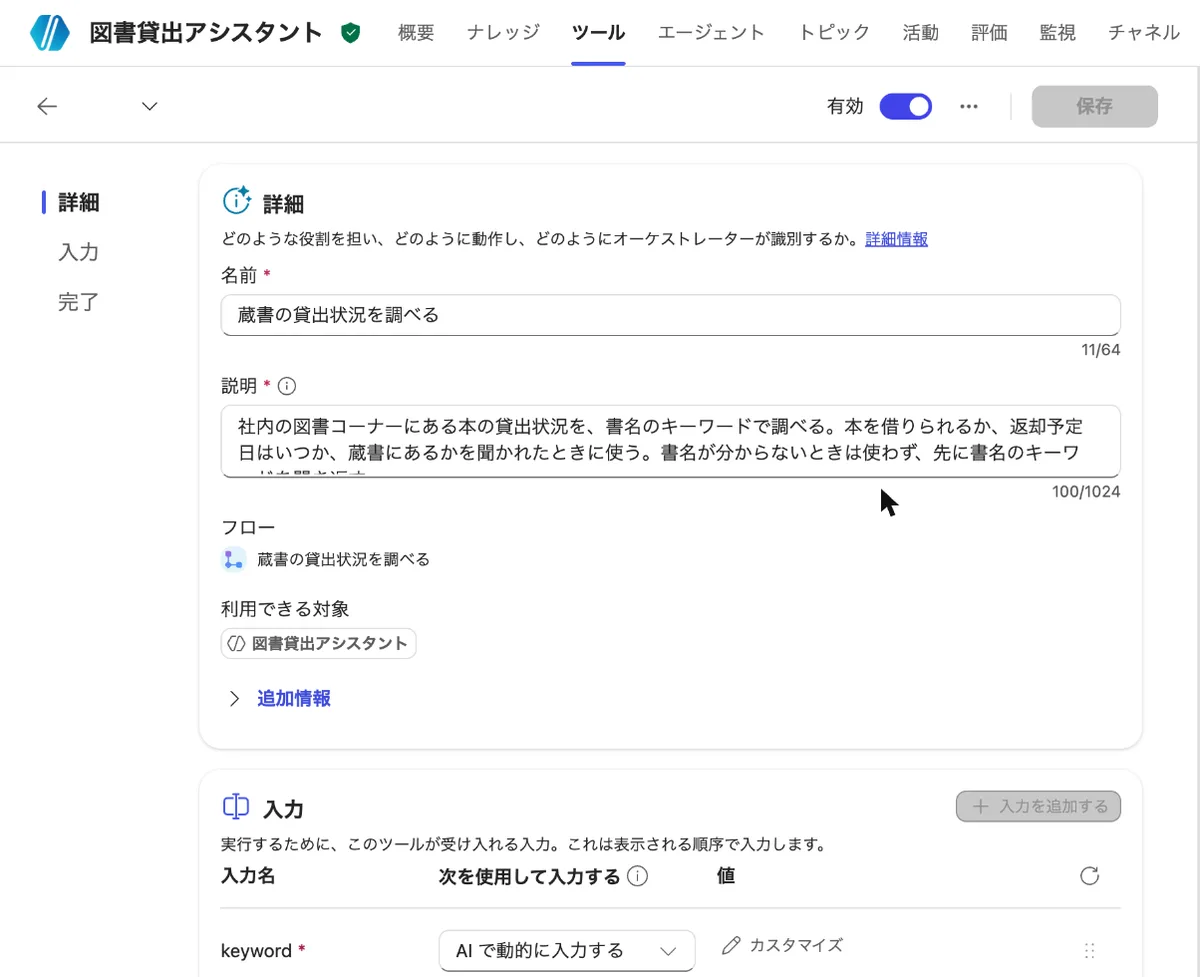
In a Zenn tutorial, upgradetech tests how far Claude Code can build an agent in Copilot Studio[1], a Microsoft service where agents are usually built through a web interface. The test used a small fictional sample, a library loan assistant that explains the rules of an internal library corner and checks loan status for books by calling a flow in Power Automate.
Claude Code worked through three tools: PAC CLI[2], the Power Automate plugin, and Claude in Chrome. Azure CLI was used only for sign-in. PAC CLI[2] exports an agent as files, which can be edited and synced with the cloud environment using the pac copilot clone, pull and push commands.
The author concludes that Claude Code handled most of the hands-on work: creating and editing files, running commands, and testing on screen. People kept sign-in, choosing the environment, approving what may be written to the cloud, and judging whether the answers were correct and whether to publish. Testing was done only in a development environment, so moving the agent to another environment and publishing it to users were not verified.
Product Copilot Studio microsoft.com
Microsoft service for building AI agents, which can be published to Microsoft Copilot and other channels.
Repository Claude Code github.com
Agentic coding tool that runs in the terminal, understands your codebase, and executes routine coding tasks from natural language commands.
Sources
-
JPZenn JA
Copilot Studioのエージェント開発をClaude Codeにどこまで任せられるか試した
Terms
- Power Platform — Microsoft's group of services, including Copilot Studio, Power Apps and Power Automate, for building apps and automated workflows.
 archive