chrome-devtools-mcp: Chrome DevTools for AI coding agents
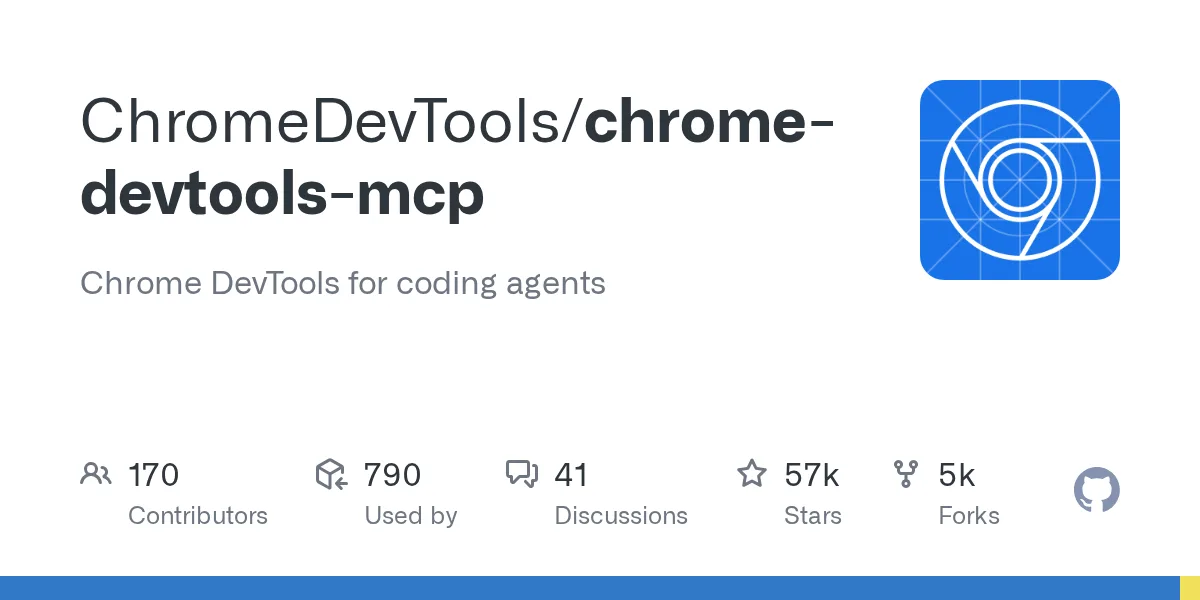
chrome-devtools-mcp is a Google tool that lets a coding agent such as Antigravity, Claude, Cursor or Copilot control and inspect a live Chrome browser. It is offered as a Model Context Protocol (MCP)[1] server and as a CLI[2]. Both give the AI assistant access to Chrome DevTools for automation, debugging and performance analysis.
The tool can record performance traces, analyze network requests, take screenshots and read console messages with source-mapped stack traces. Browser actions are automated with Puppeteer[3], which waits for action results. Officially, only Google Chrome and Chrome for Testing are supported; other Chromium-based browsers may work, but this is not guaranteed.
The README warns that the server exposes browser content to MCP clients, so sensitive data should not be shared with them. Performance tools may send trace URLs to the CrUX API[4] from Google, and usage statistics are collected by default unless the --no-usage-statistics flag is passed. Requirements are the Node.js LTS version, current stable Chrome and npm, and setup means adding a config entry that runs npx chrome-devtools-mcp@latest. On 12 November 2026 the project had 673 stars in GitHub Trending.
Links from the post and discussion
- Puppeteer, the library used for browser automation github.com
- Chrome User Experience Report (CrUX) documentation developer.chrome.com
Sources
-
GitHub Trending
ChromeDevTools/chrome-devtools-mcp