Building a Garmin app: setting up the environment for Forerunner 570
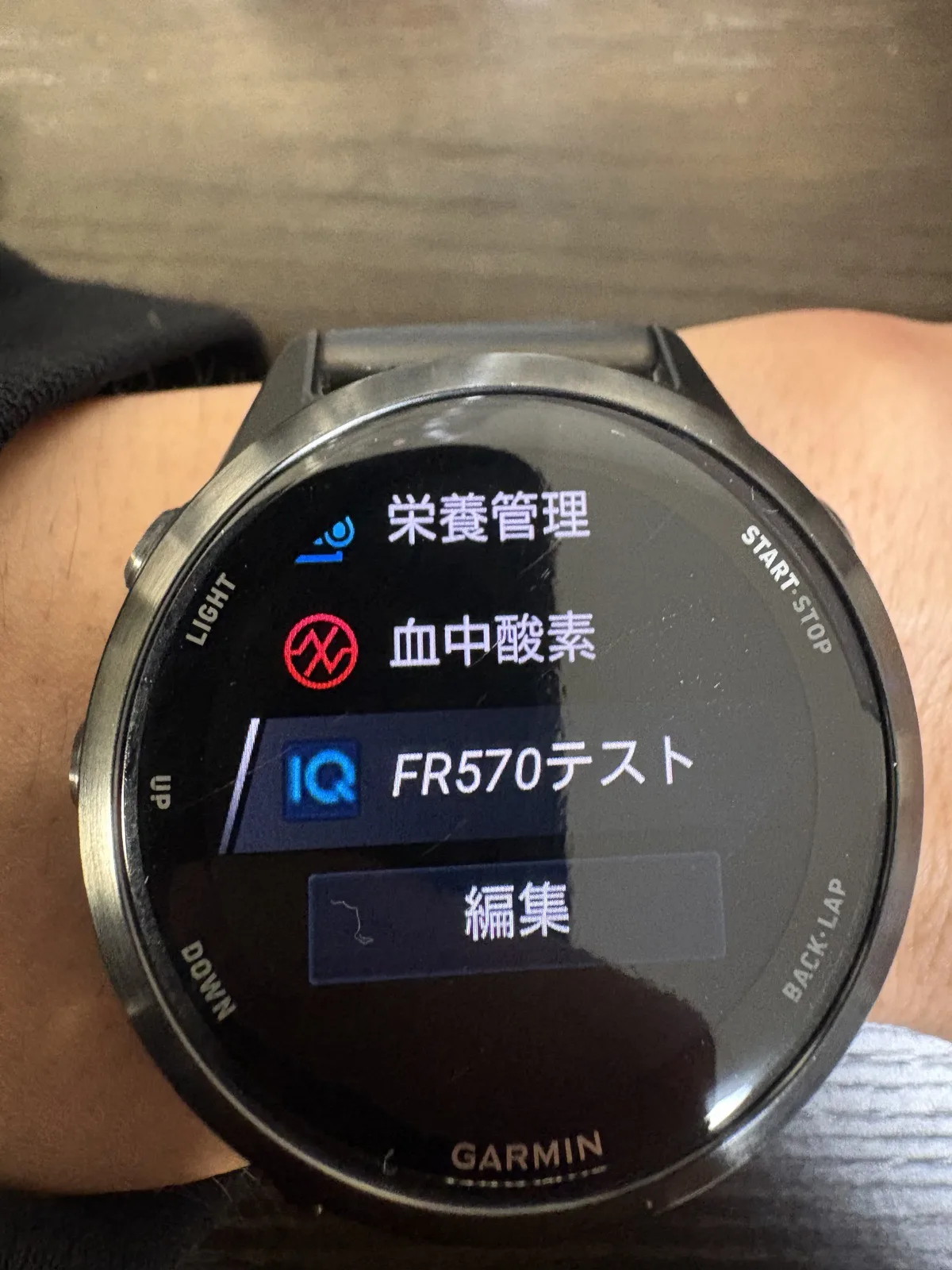
The author, an engineer at TOKIUM, describes how to set up a development environment for an app on the Garmin Forerunner 570 running watch, with the goal of getting more exercise. Garmin watches run custom apps through the Connect IQ[1] platform, and these apps are written in Monkey C[2], a language Garmin created for this purpose. The author says its syntax is close to Java and JavaScript, and it is compiled to bytecode that runs on a virtual machine on the watch.
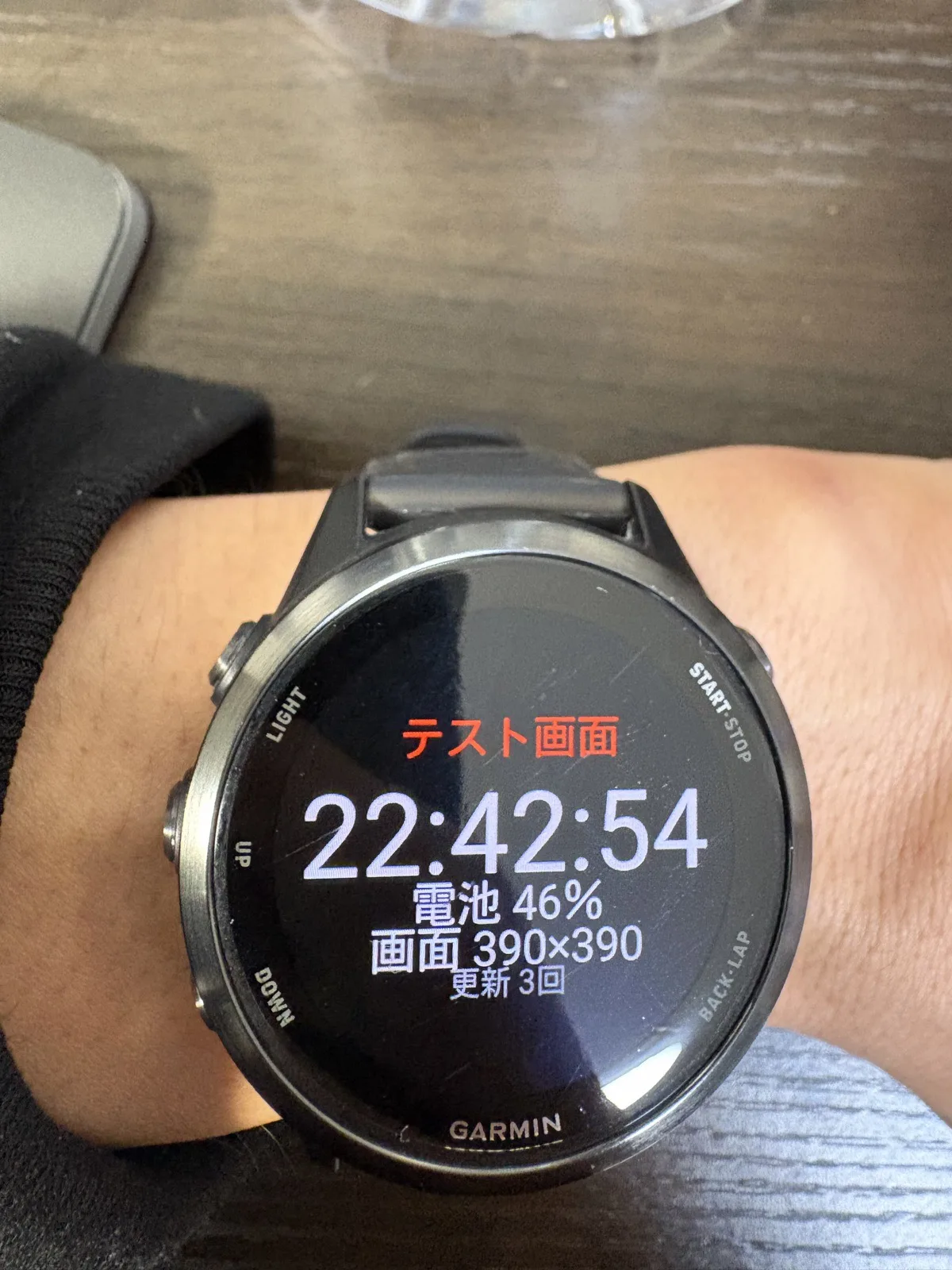
The setup used macOS 26.2 on Apple Silicon, Connect IQ SDK 9.3.0 and OpenJDK 21, plus a developer key that signs the app. The author built a minimal project and ran it in the simulator, where it showed the time, battery level and screen size. The same app then ran on the real watch.
On a Mac, the watch does not appear in Finder because it connects over MTP[3] (Media Transfer Protocol), which macOS does not support natively, so the author used the libmtp library to copy files. The watch must be switched to MTP mode with the cable unplugged before connecting. The built .prg file is placed in the GARMIN/Apps folder, a method called sideloading[4], which runs the app without the official store. The author also lists common errors, including the case of the folder name and a missing leading slash in the path.
Sources
-
JPZenn JA
Garmin アプリ作ってみた 〜環境構築編〜