Building an AI chat citation tooltip with Floating UI, compared with manual positioning
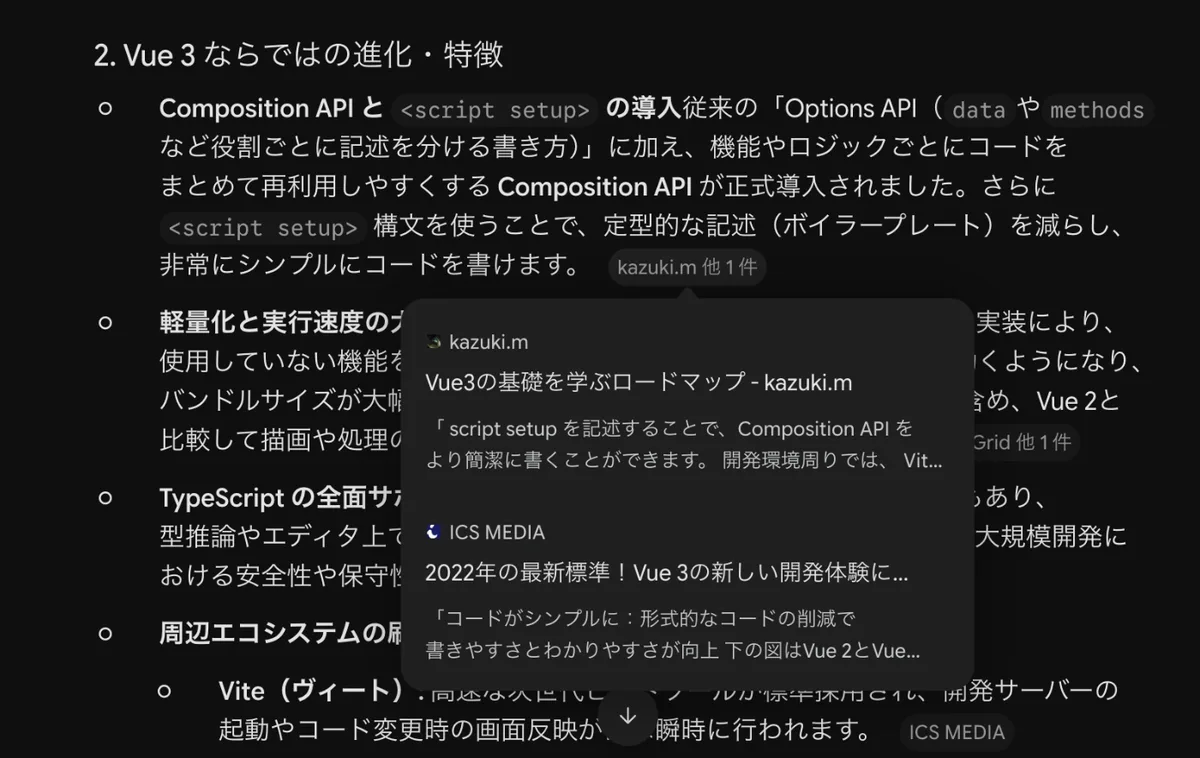
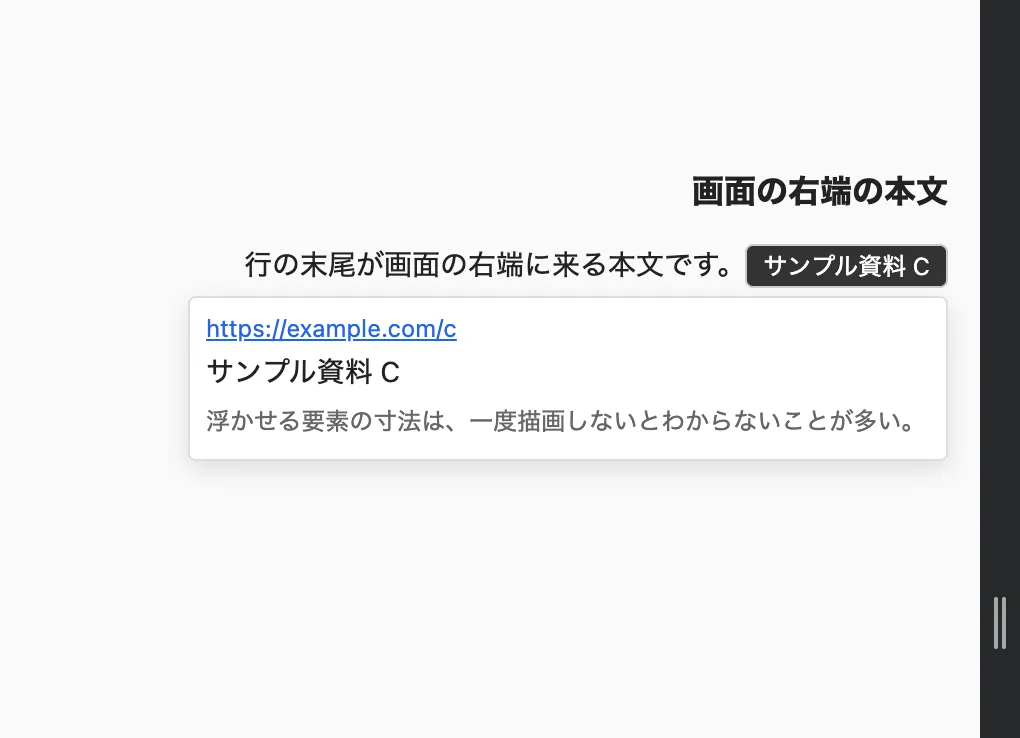
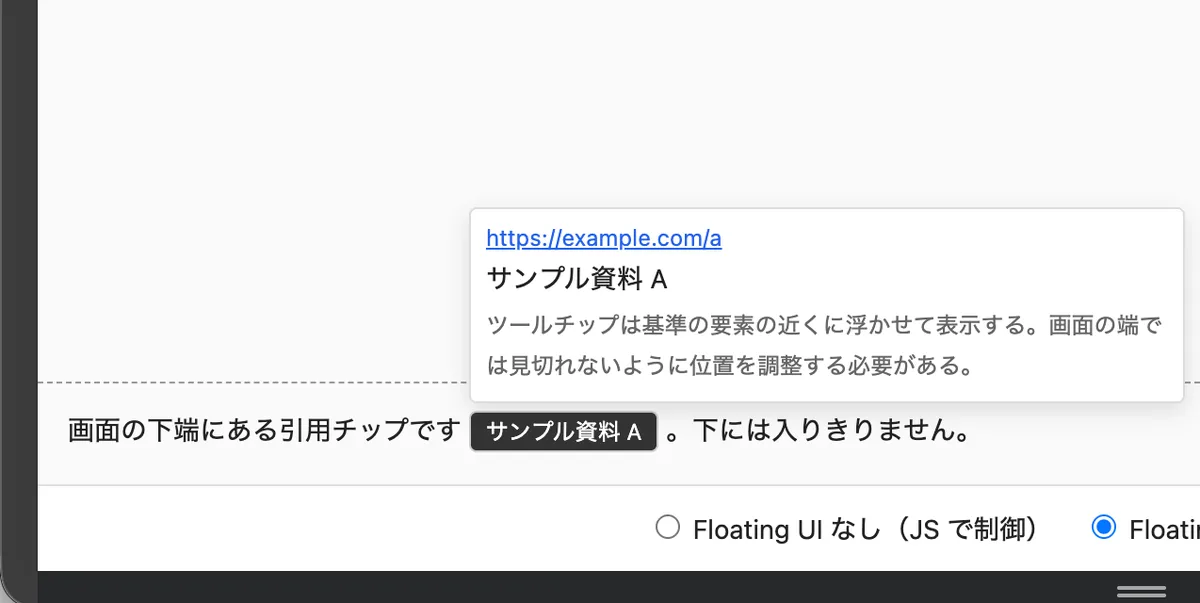
The author of this Zenn article built a tooltip for citation chips in AI chat answers. Hovering over a chip shows a list of sources with the file name, page and excerpt. The tooltip is placed with Floating UI[1], a library that calculates where to put a floating element relative to a reference element. The Vue version @floating-ui/vue 2.0.1 is used with Vue 3.5, with placement 'bottom-start', fixed positioning, autoUpdate, and middleware such as offset(4), flip({ padding: 8 }) and shift({ padding: 8 }).
The author compares this with an earlier tooltip in the same product that does not use Floating UI. That version saved the chip's position with getBoundingClientRect() on hover, then measured the tooltip's width after rendering so it would not overflow the left edge. It did not handle overflow at the bottom of the screen, and the tooltip stayed in place when the page was scrolled.
With Floating UI, the chip element itself is passed to the tooltip, because the citations are inside v-html content and cannot have template refs. The tooltip is teleported to body, flip switches to the top side near the bottom of the screen, and autoUpdate recalculates the position on scroll and resize. The article also includes a comparison table of the two approaches.
Sources
-
JPZenn JA
AI チャットの引用ツールチップを Floating UI で作成 ― 手書きの位置制御と比べてみる
Terms
- middleware — A small adjustment step in Floating UI, such as offset, flip or shift, that changes the position calculated for a floating element.
- DOMRect — An object returned by getBoundingClientRect() that holds an element's position and size relative to the visible area of the screen.